With the explosion of decentralized exchanges (DEX), Hyperliquid has attracted a large number of users migrating from centralized exchanges (CEX) due to its smooth trading experience and fully transparent mechanism. However, for newcomers who are used to the traditional account-password login of CEX, the connection methods on Web3 platforms may seem daunting at first.
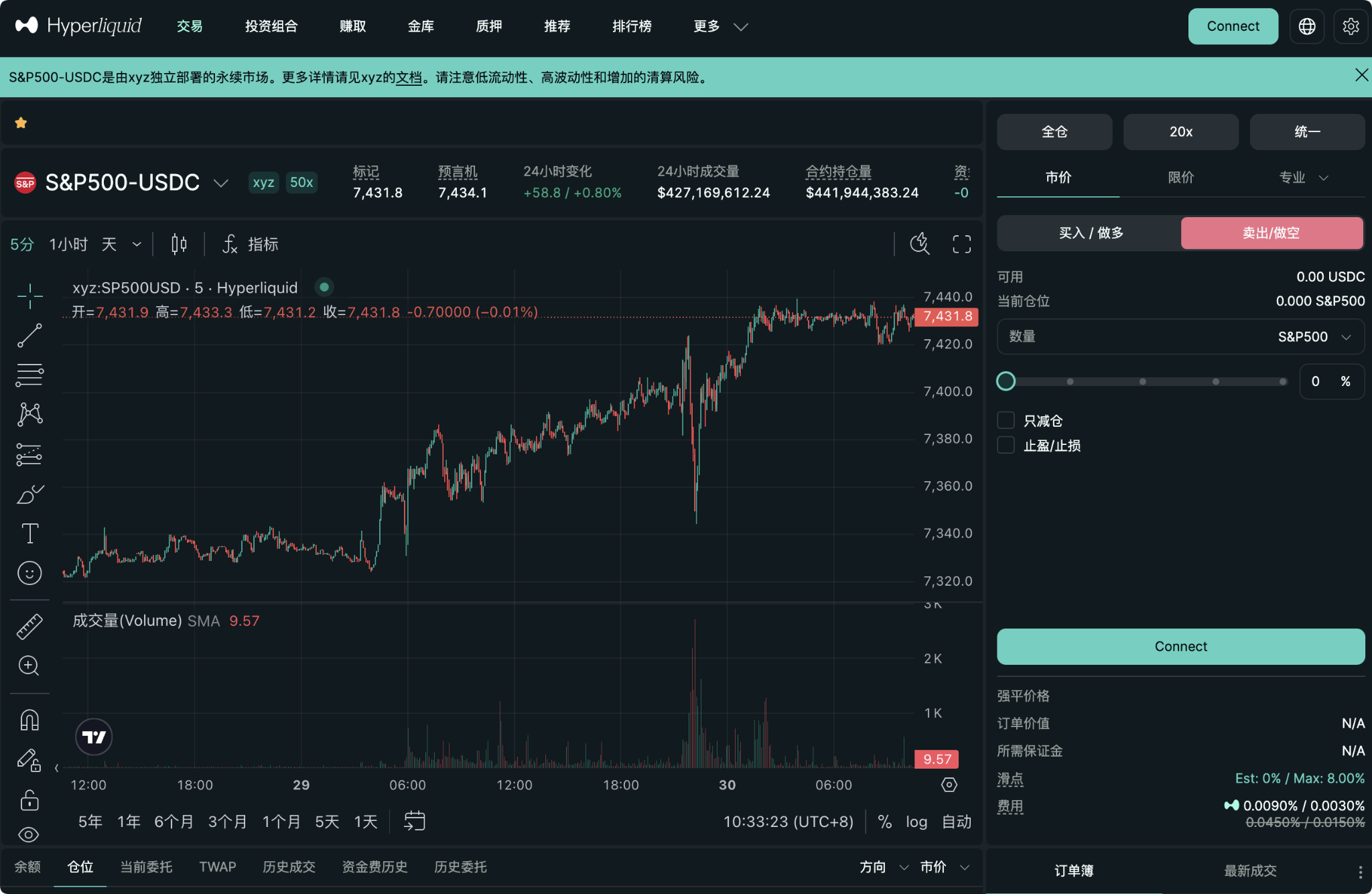
Today, we will provide a detailed illustration of several mainstream login methods for Hyperliquid, helping you find the most suitable and convenient trading entry point.
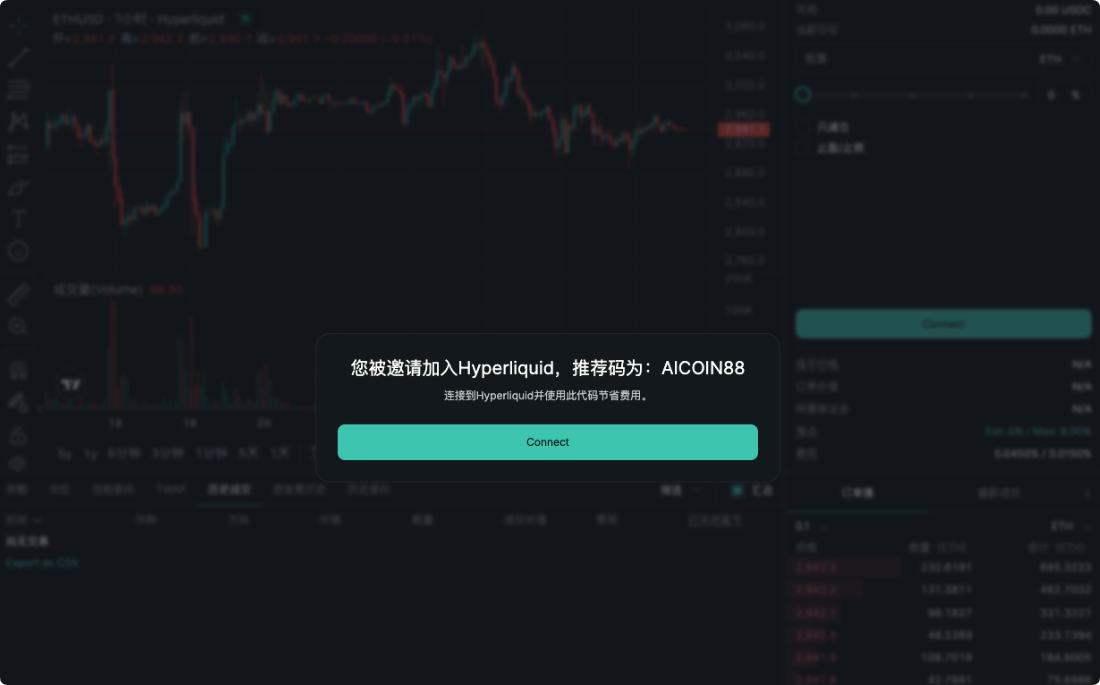
Step 1: Enter the official website and click connect
First, open the official Hyperliquid trading page
https://app.hyperliquid.xyz/join/AICOIN88
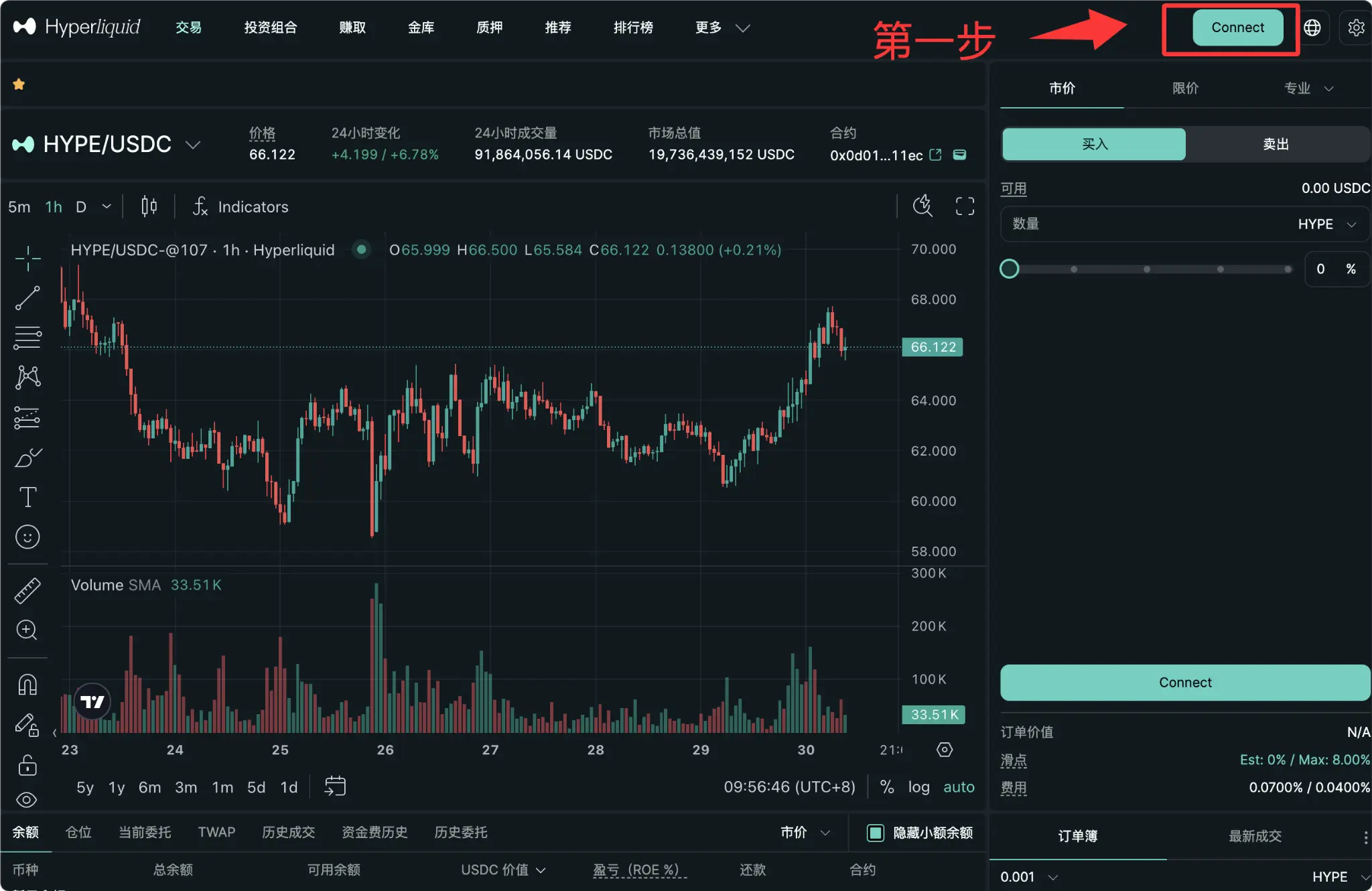
In the upper right corner of the page, you will see a prominent "Connect" button. Click it to bring up the login options pop-up.
Method 1: Email Login (Most Suitable for Web2 Newbies)
If you are not familiar with various crypto wallets yet, or do not want to install wallet extensions on your current device, Email Login is undoubtedly the most user-friendly method, closest to the traditional internet experience. Hyperliquid uses Privy technology, allowing users to automatically generate a secure underlying wallet through their email.
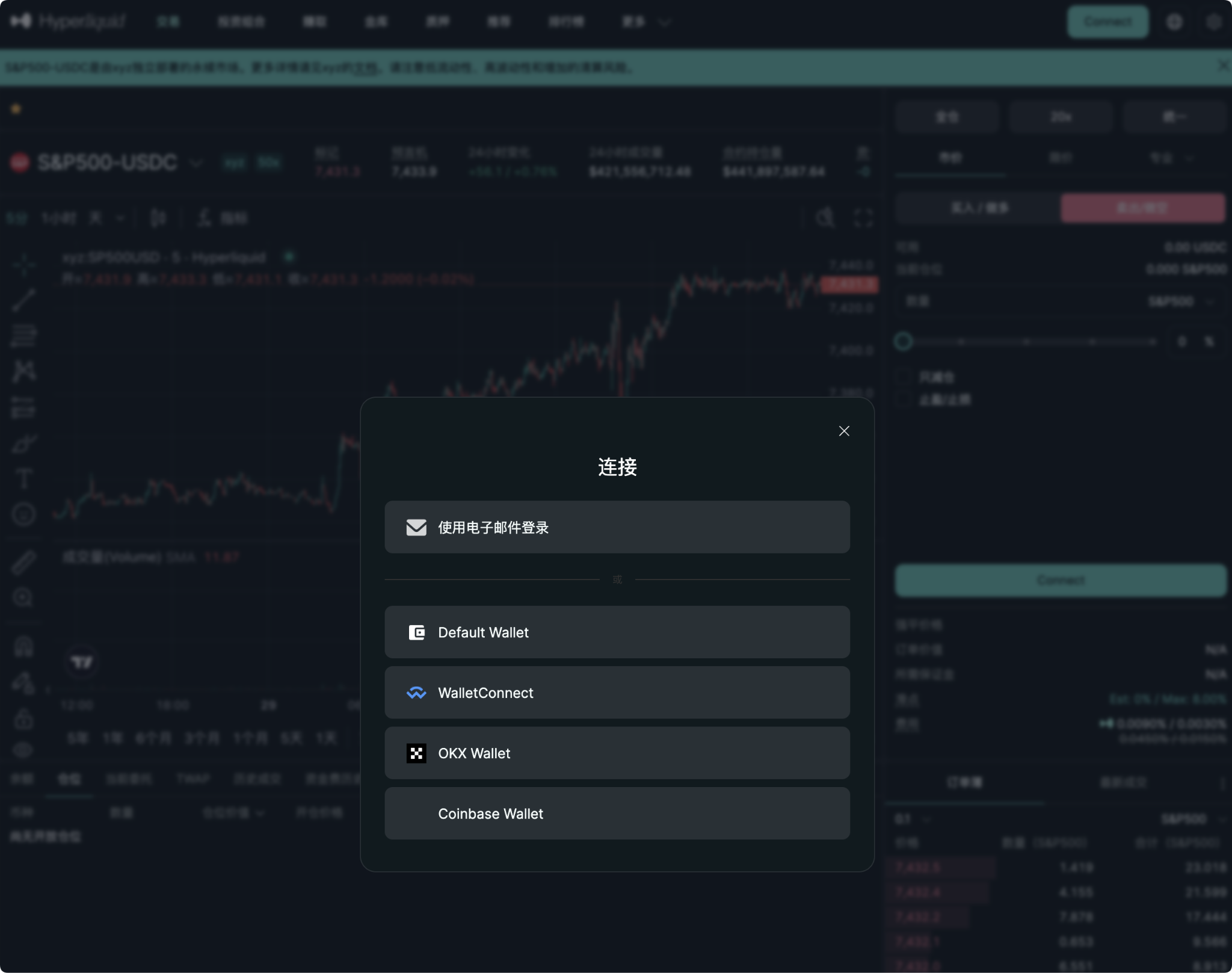
Operation Process:
1. In the connection pop-up, select "Login with Email".
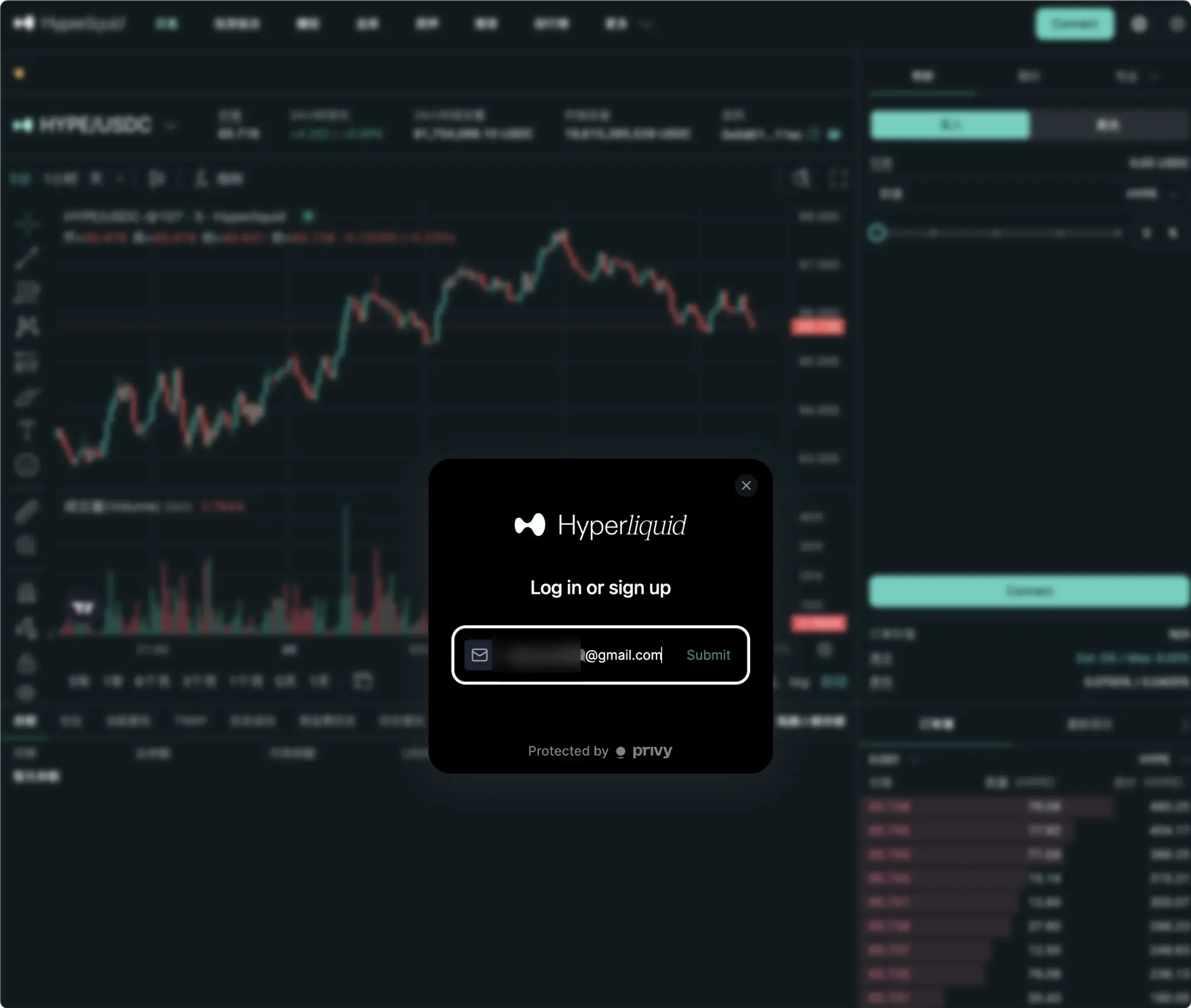
2. Enter your commonly used email address (like Gmail), and click Submit.
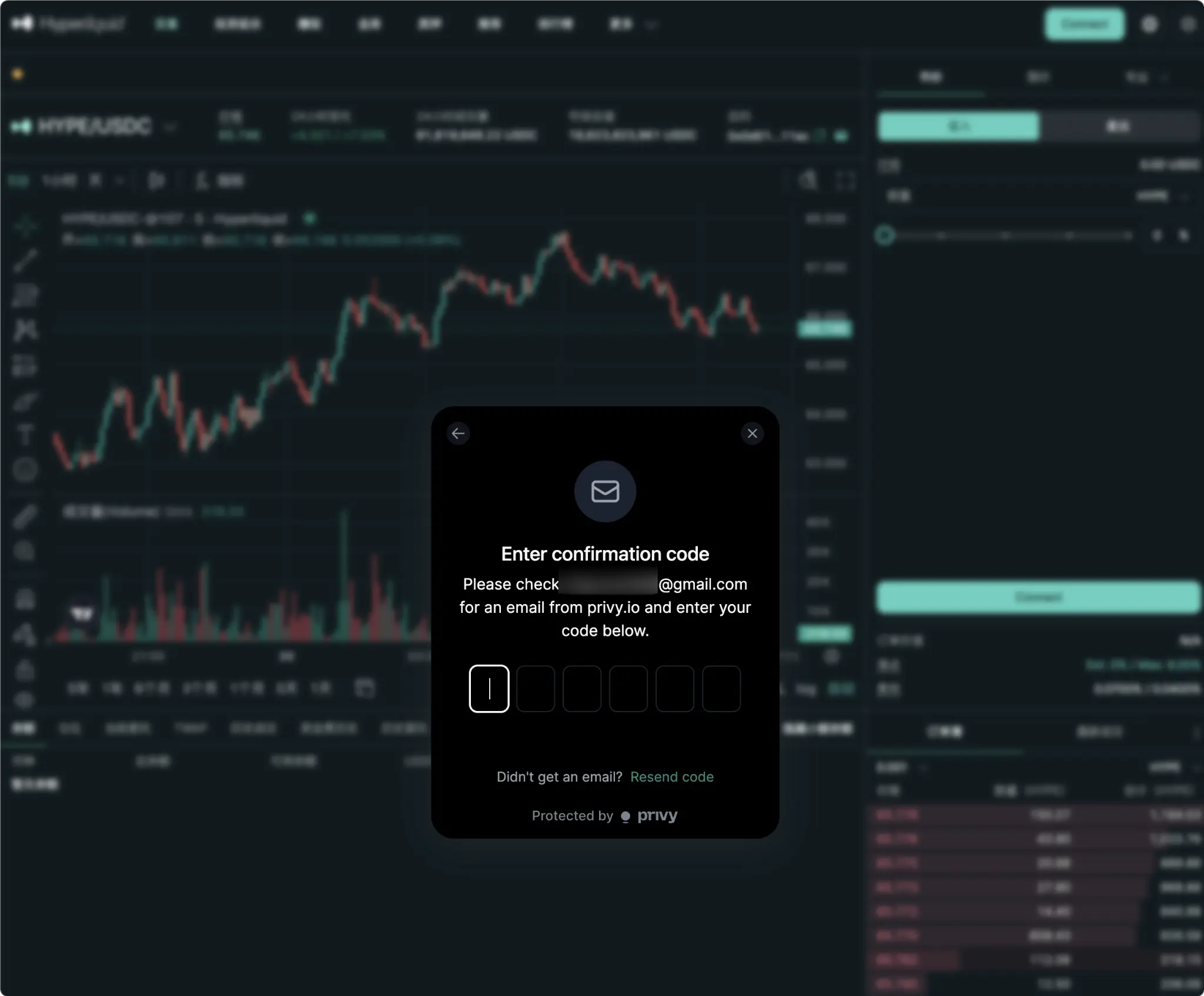
3. Go to your email to check for a verification email from privy.io, and fill in the 6-digit verification code on the webpage.
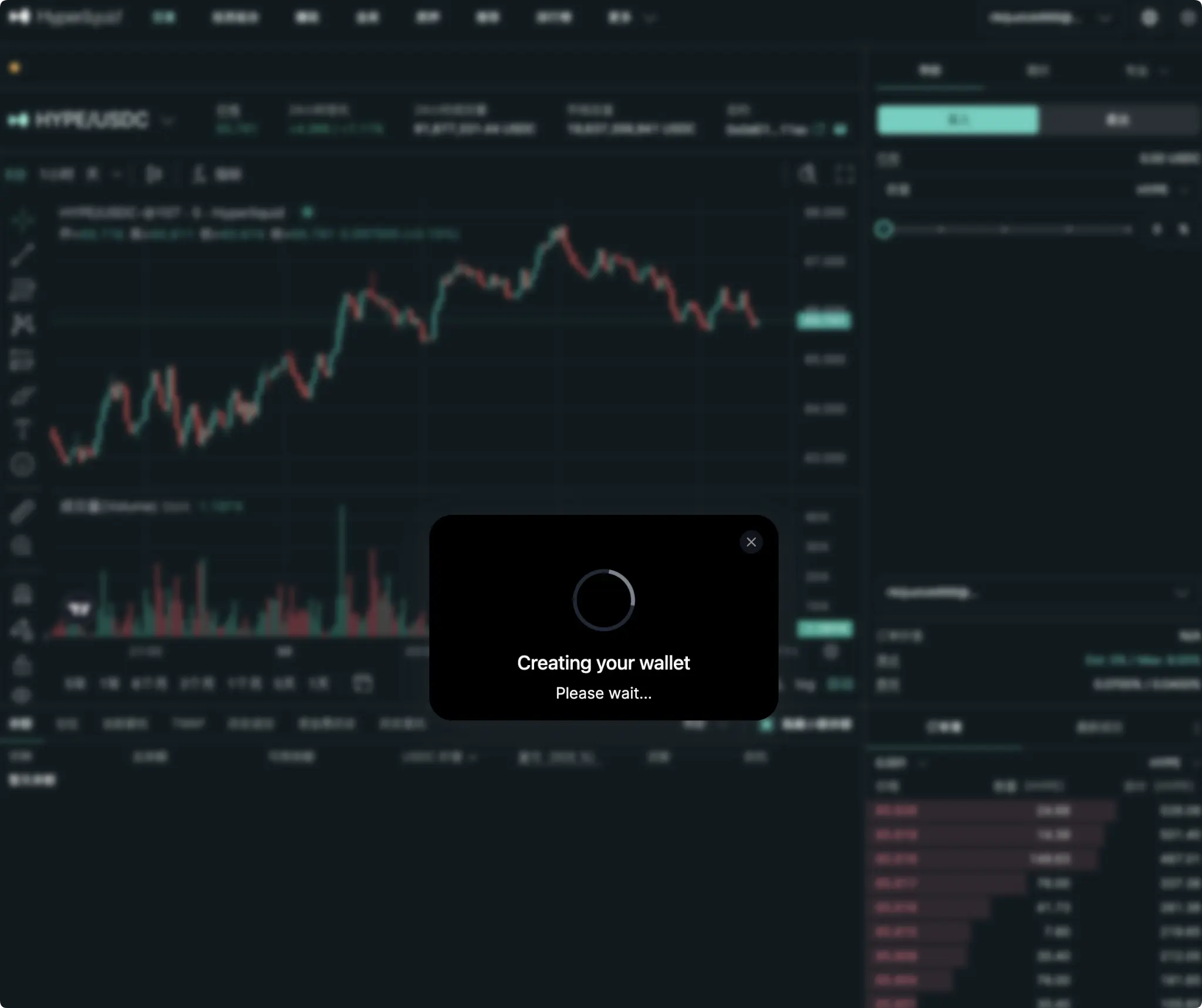
4. Once verified successfully, the system will prompt "Creating your wallet", please wait a moment.
5. Check the box to agree to the terms of use and privacy policy, then click "Accept".
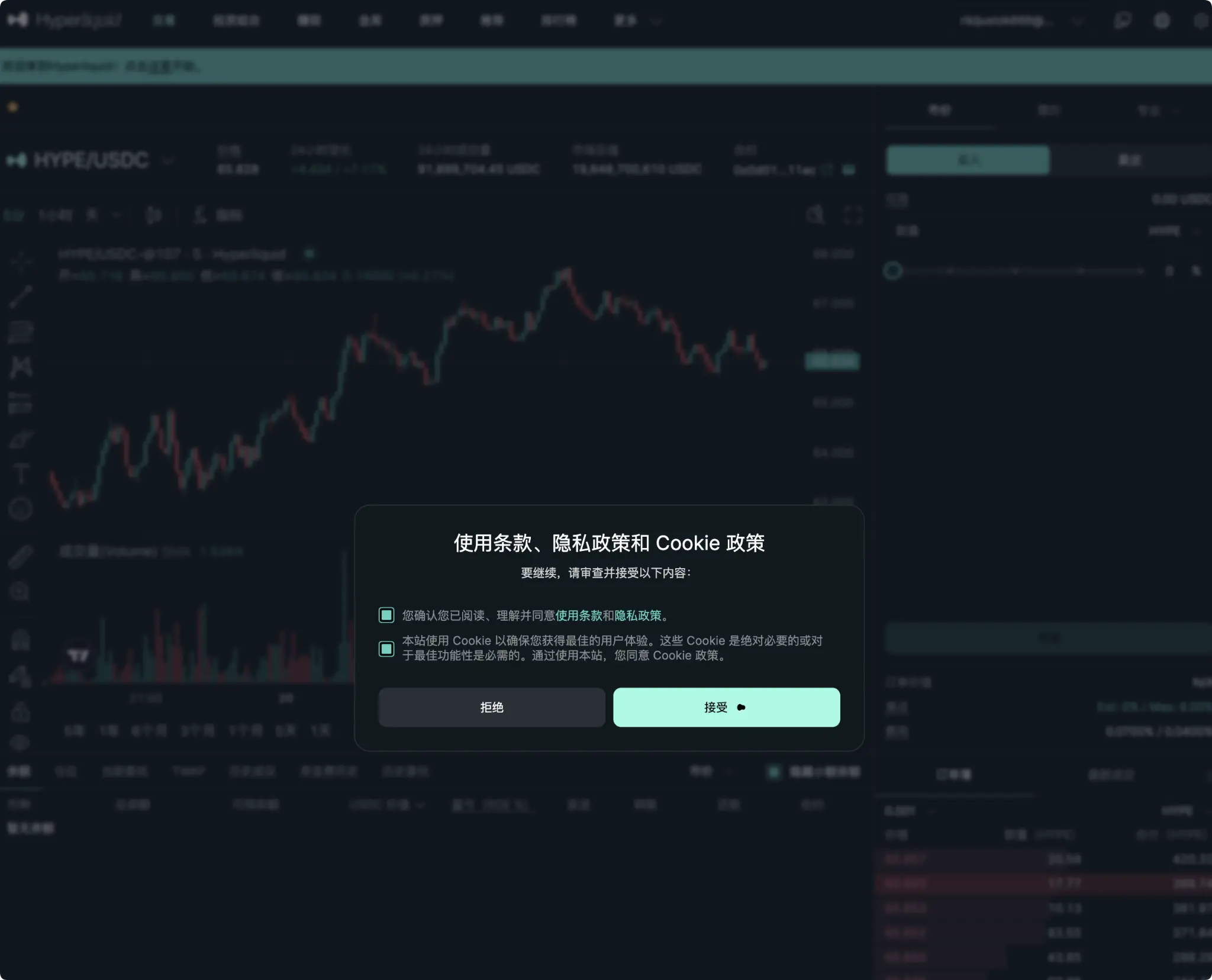
How to Deposit: After successfully logging in with email, you need to deposit into this newly generated built-in wallet to start trading.
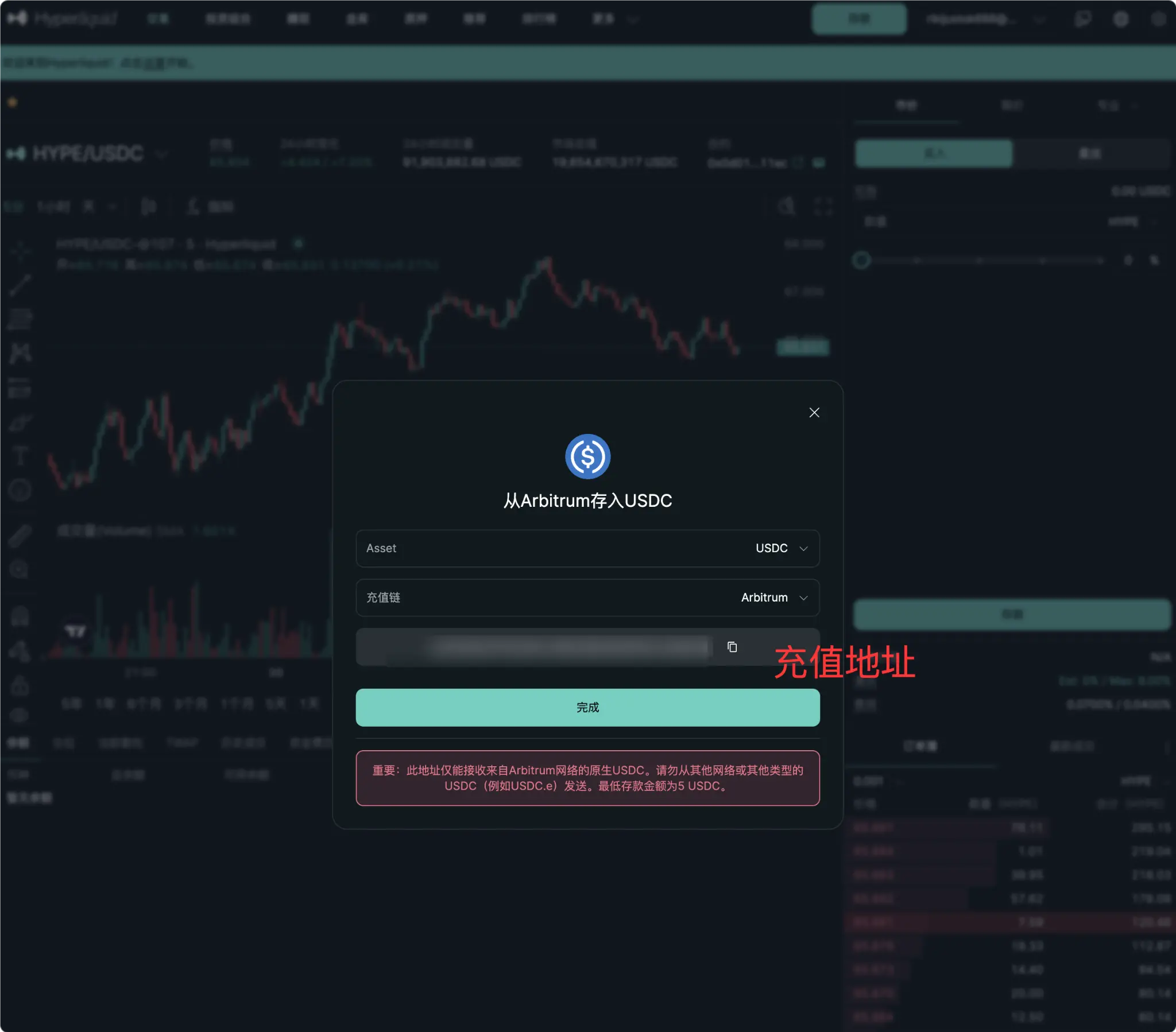
1. Click the "Deposit" button in the upper right corner.
2. The system will display a deposit address unique to you.
3. Important Note: You must deposit the native USDC to this address via the Arbitrum network (minimum deposit amount is 5 USDC). Do not use other networks or tokens (like USDC.e), as this may result in asset loss.
Method 2: Wallet Login (Most Suitable for Web3 Veterans)
If you are already a proficient user of cryptocurrency and have a Web3 wallet installed on your phone or browser, connecting your wallet directly is the fastest and most decentralized way to log in.
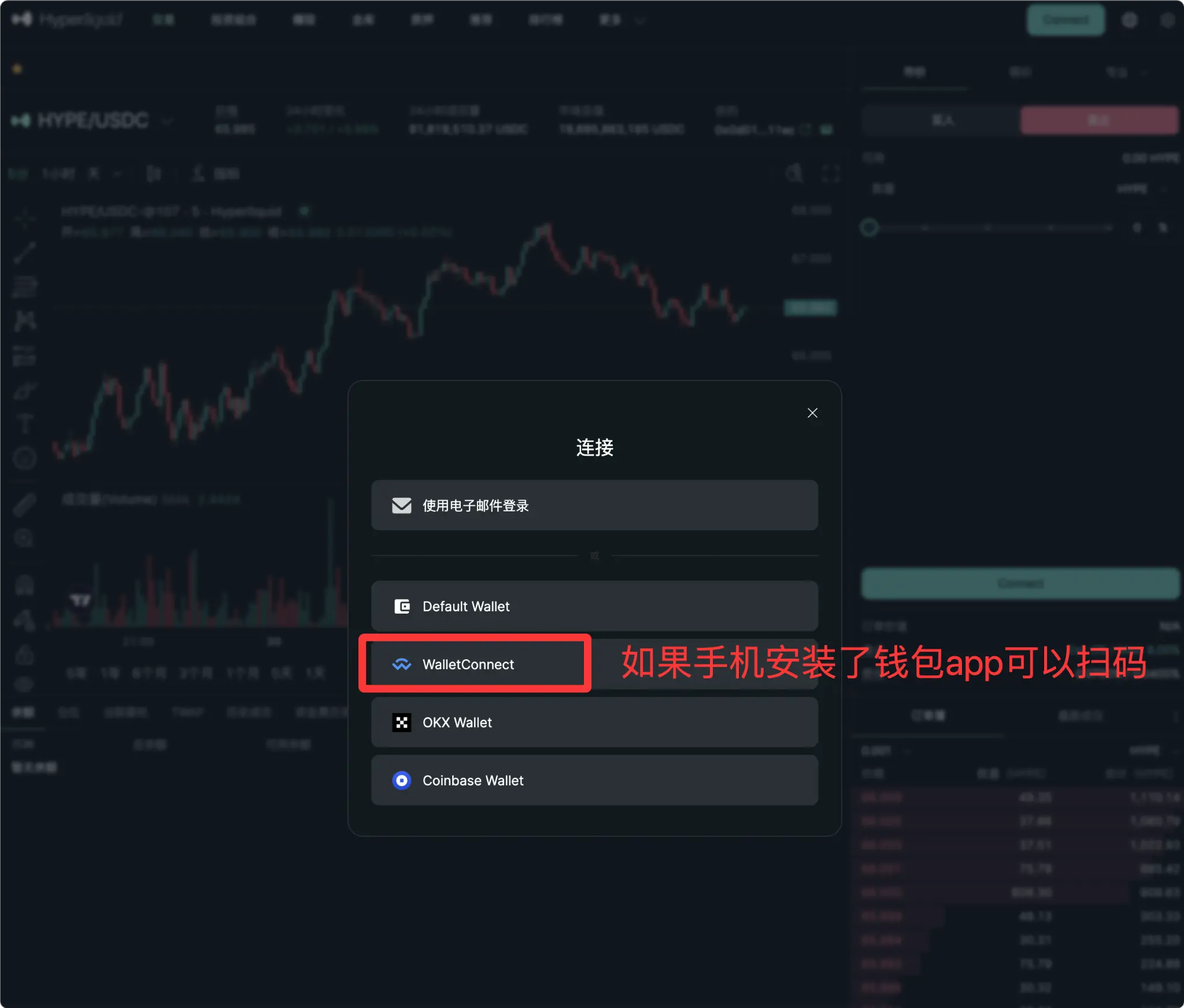
1. Use WalletConnect (Scan QR Code with Mobile)
If you prefer to keep your assets in a mobile wallet app (like Trust Wallet, MetaMask mobile, etc.), this method is recommended.
- Click "WalletConnect" in the connection options.
- A QR code will appear on the screen.
- Open your wallet app on your phone, use the scan function to scan the QR code on the screen, and confirm the authorization on your phone to connect.
2. Use OKX Wallet (Direct Connection via Browser Extension)
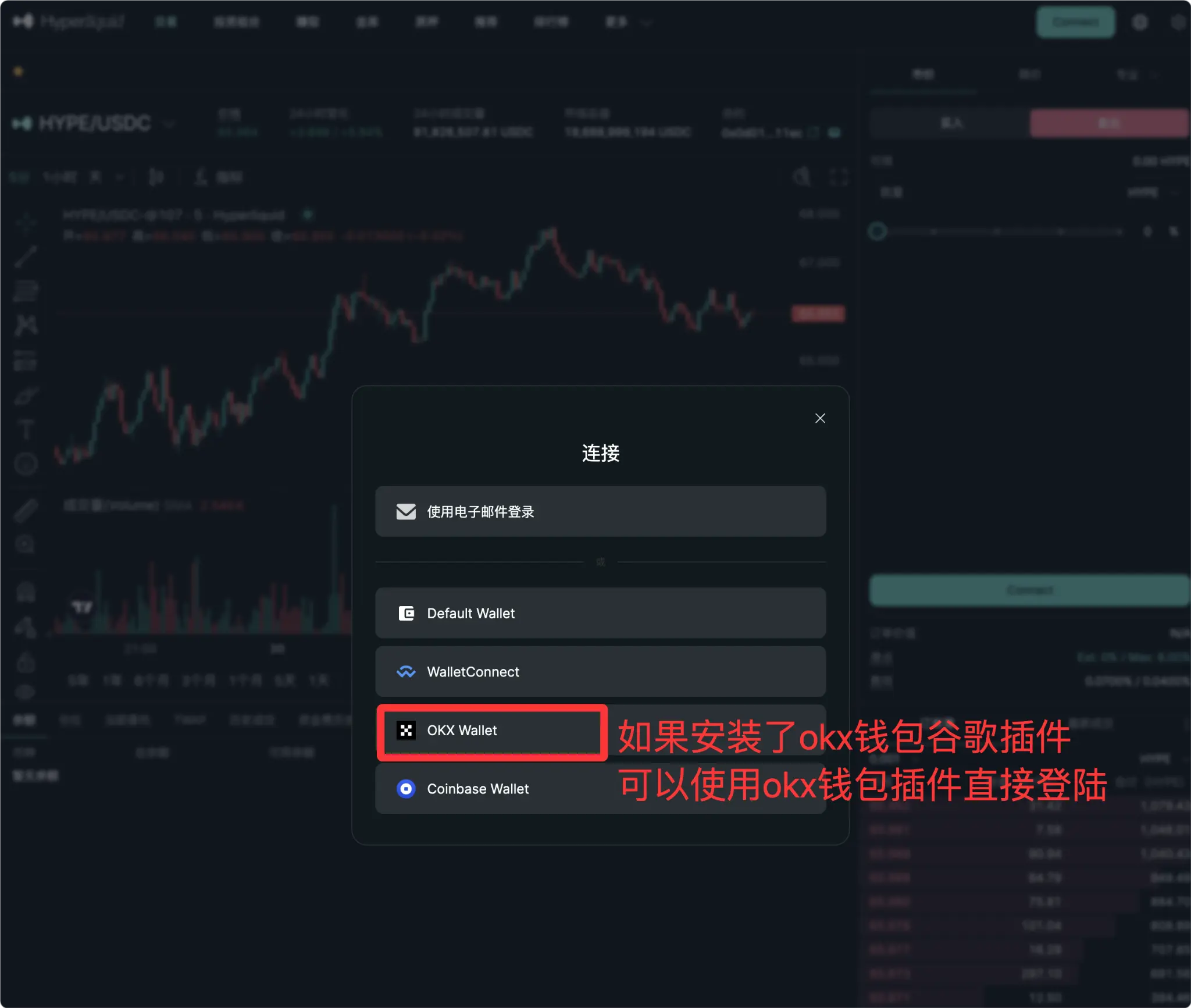
For desktop traders, a browser extension wallet is the most efficient option. Taking the currently popular OKX Web3 wallet as an example:
- Make sure your Chrome or Edge browser has the OKX Wallet extension installed and logged in.
- Click "OKX Wallet" directly in the connection options.
- A signature request from the OKX wallet will pop up in the upper right corner of the browser, click confirm to log in instantly.
OKX wallet Chrome extension link:
https://chromewebstore.google.com/detail/okx-wallet/mcohilncbfahbmgdjkbpemcciiolgcge
Advanced Play: How to Solve the Pain Points of Mobile Trading?
Despite the excellent experience of Hyperliquid's web version on desktop, the official native mobile app has yet to be released. If you are outdoors and want to connect your wallet or log in with email using the mobile web version, you often encounter issues like page lag, misalignment of layout, or even disconnection.
Want to achieve the perfect Hyperliquid trading experience on mobile? AiCoin is your ultimate solution.
AiCoin mobile is now deeply integrated with Hyperliquid, perfectly addressing the shortcomings of the official app absence:
- One-click rapid authorization: No need to repeatedly switch pages for verification in the mobile browser, one-time authorization, locally encrypted storage.
- Professional-level interface: Enjoy AiCoin's top-notch K-line charts and smooth interaction experience.
- Comprehensive asset management: Manage your Hyperliquid positions along with assets from centralized exchanges like Binance and OKX, with clear long and short hedging.
Instead of blindly taking over in lagging information, open AiCoin to see the market's bottom cards from the shoulders of giants.
When whales are causing waves on Hyperliquid, are you still frustrated with a poor web experience?
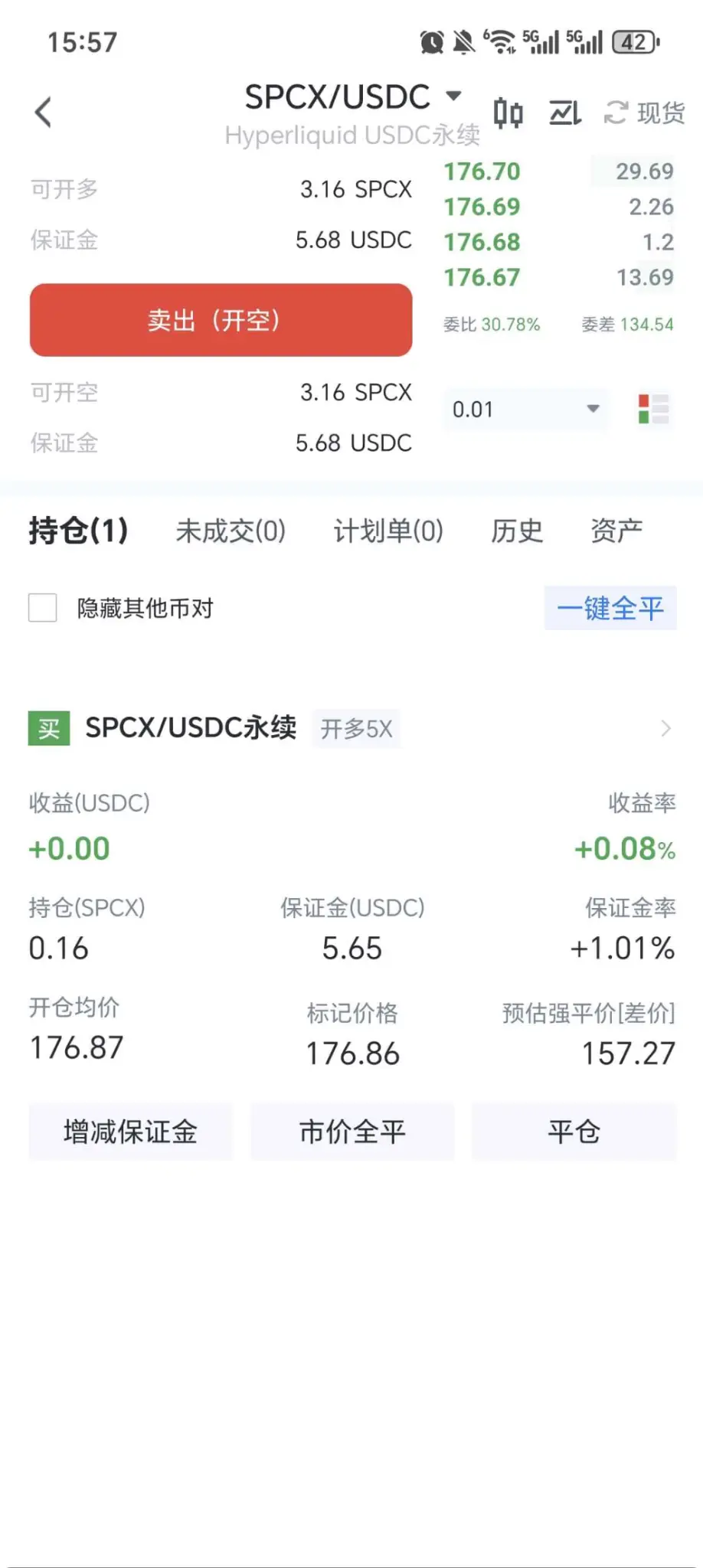
Don't let tools limit your trading intuition. Open the AiCoin App, bind your Hyperliquid account, and keep pace with the "smart money" anytime, anywhere, starting your comeback journey.
💡 Newbie Benefits: Register on AiCoin and use the invitation code AICOIN88 to enjoy an exclusive rebate of 4% on Hyperliquid trading fees.
https://app.hyperliquid.xyz/join/AICOIN88
📖 Newbie Tutorial:
- "AiCoin PC Version Hyperliquid Authorization Trading Tutorial":
https://www.aicoin.com/zh-Hans/article/514197
- "AiCoin Mobile Version Hyperliquid Authorization Trading Tutorial":
https://www.aicoin.com/zh-Hans/article/541383
- "Zero-based Entry! Hyperliquid First Trade Ultra Detailed Illustrated Tutorial":
https://www.aicoin.com/zh-Hans/article/510225
The content of this article represents the author's personal views and does not represent the position of this platform. The views, conclusions, and suggestions in the article are for investors' reference only and do not constitute any investment advice related to this platform. The market is risky, investment should be cautious.
免责声明:本文章仅代表作者个人观点,不代表本平台的立场和观点。本文章仅供信息分享,不构成对任何人的任何投资建议。用户与作者之间的任何争议,与本平台无关。如网页中刊载的文章或图片涉及侵权,请提供相关的权利证明和身份证明发送邮件到support@aicoin.com,本平台相关工作人员将会进行核查。