Complete Steps to Call the API
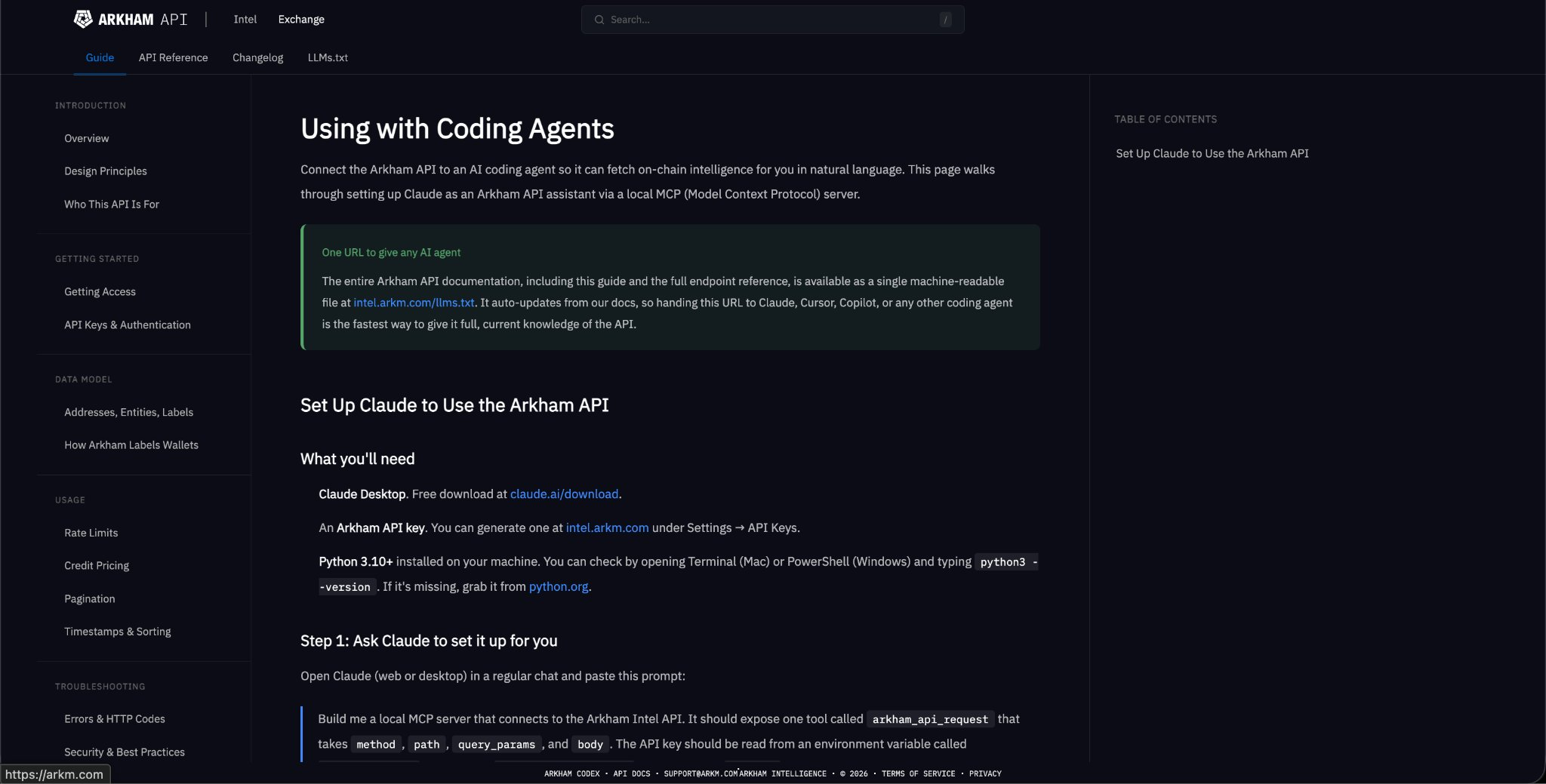
Step 1: Download the Tool Download Claude Desktop (free) and generate an Arkham API key under "Settings/API Keys" at http://intel.arkm.com.
[Note: The API can be accessed via the application - please read the link at the end of this post]
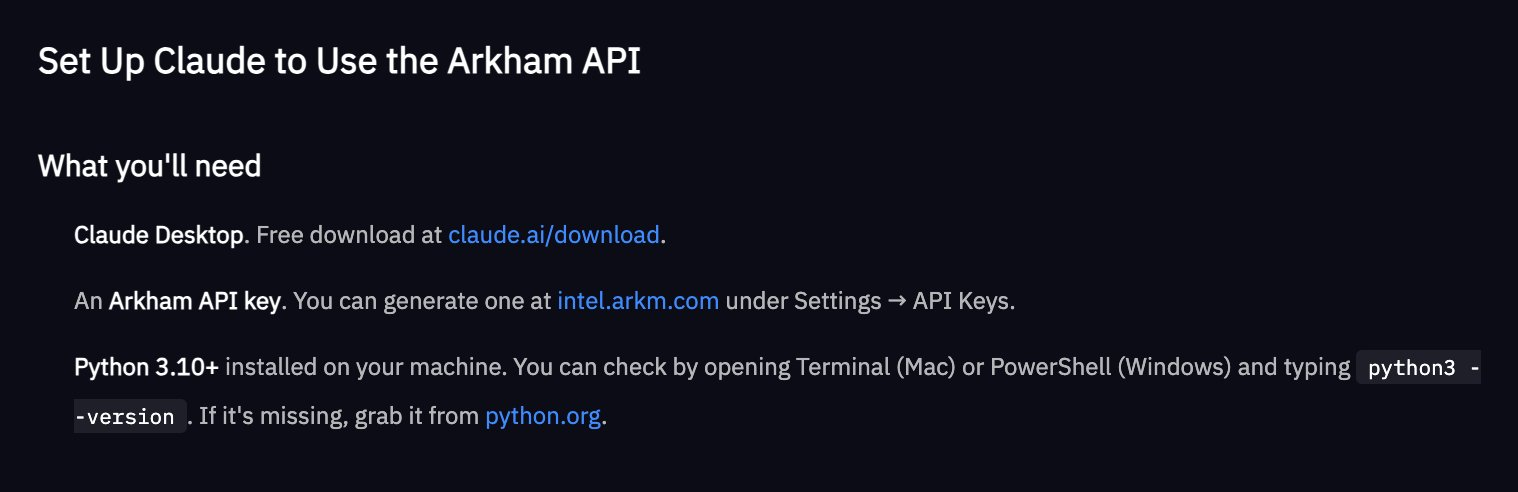
Step 2: Build the MCP Server (Claude will do this automatically) Open Claude and paste the setup prompts from our document. Claude will generate a Python file and tell you the specific save location.
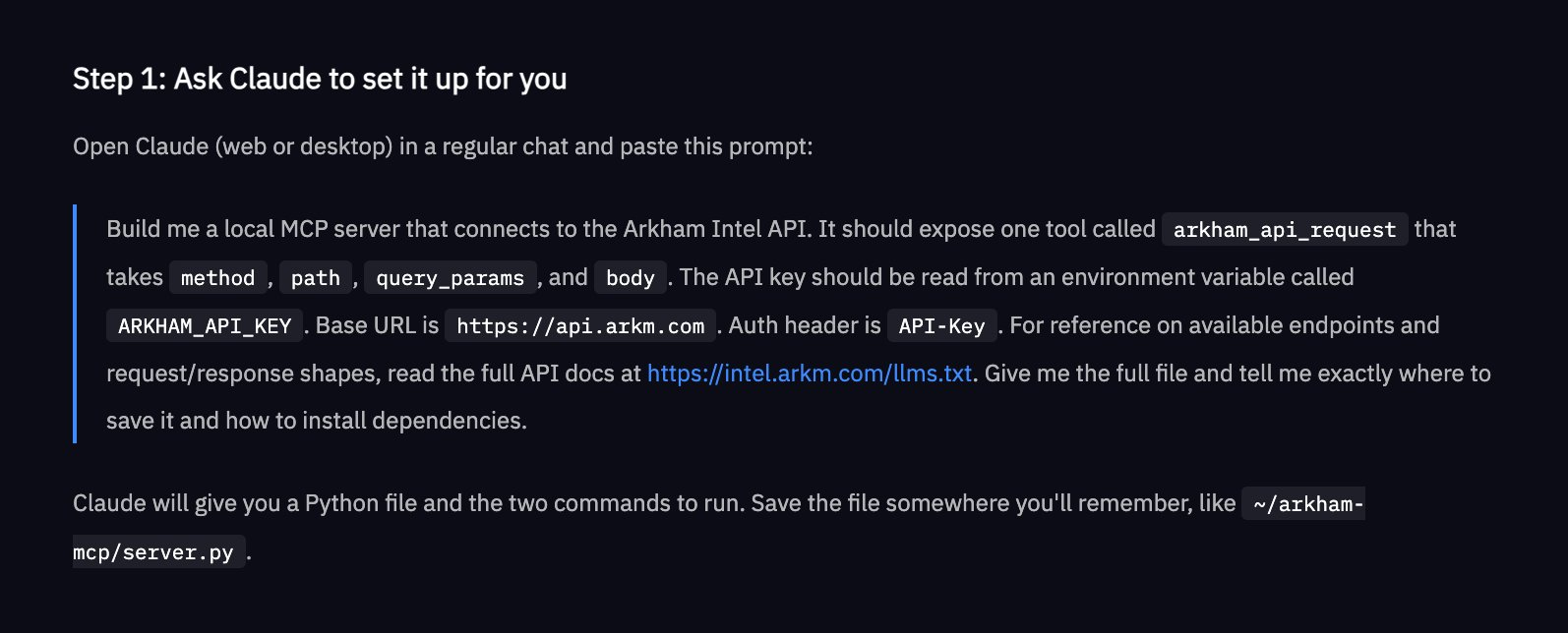
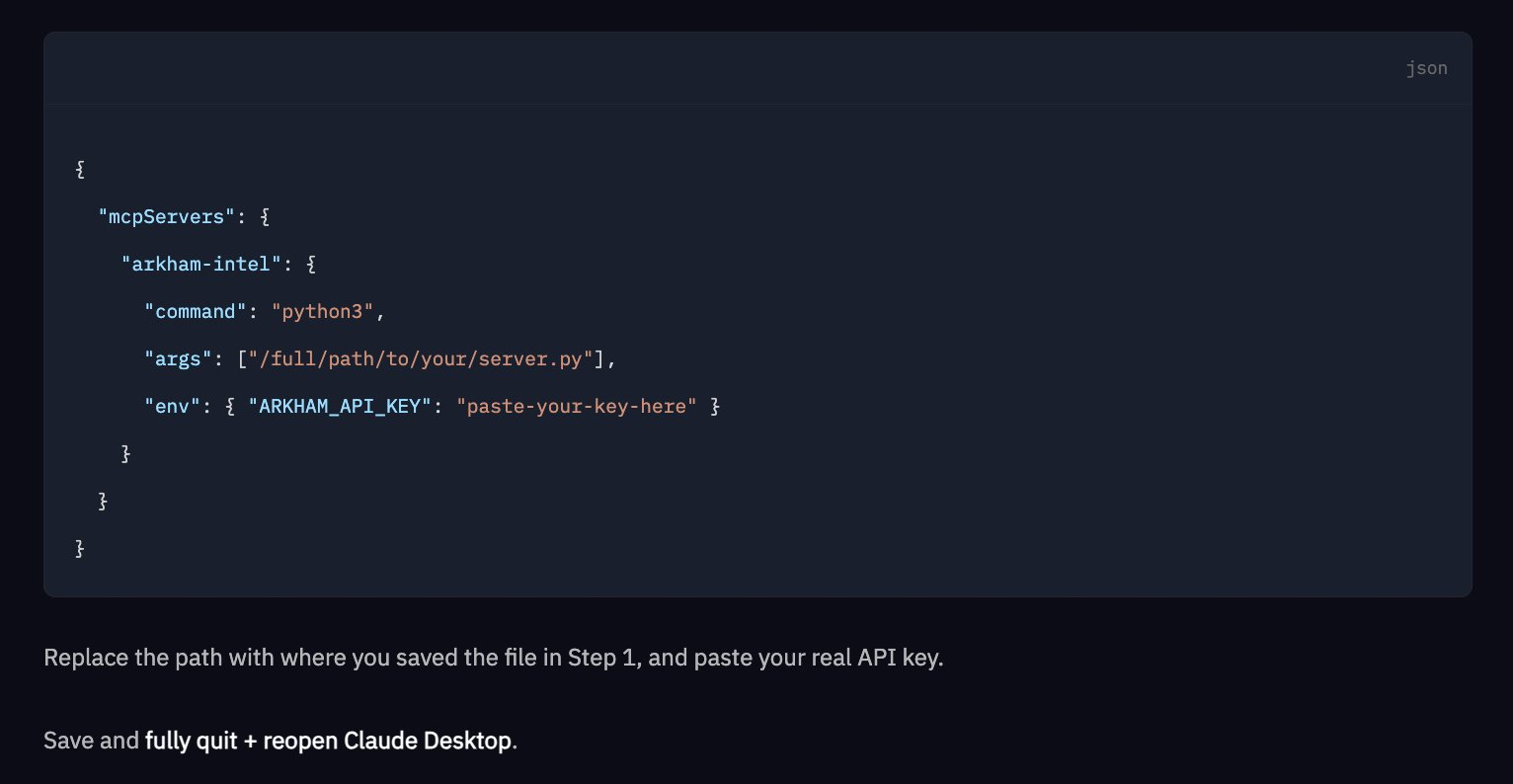
Step 3: Install Dependencies and Connect to Claude Desktop. Run the following command in the terminal: `pip install mcp requests`. Then, add a short JSON configuration pointing to the server file and the API key. Save, exit, and reopen.
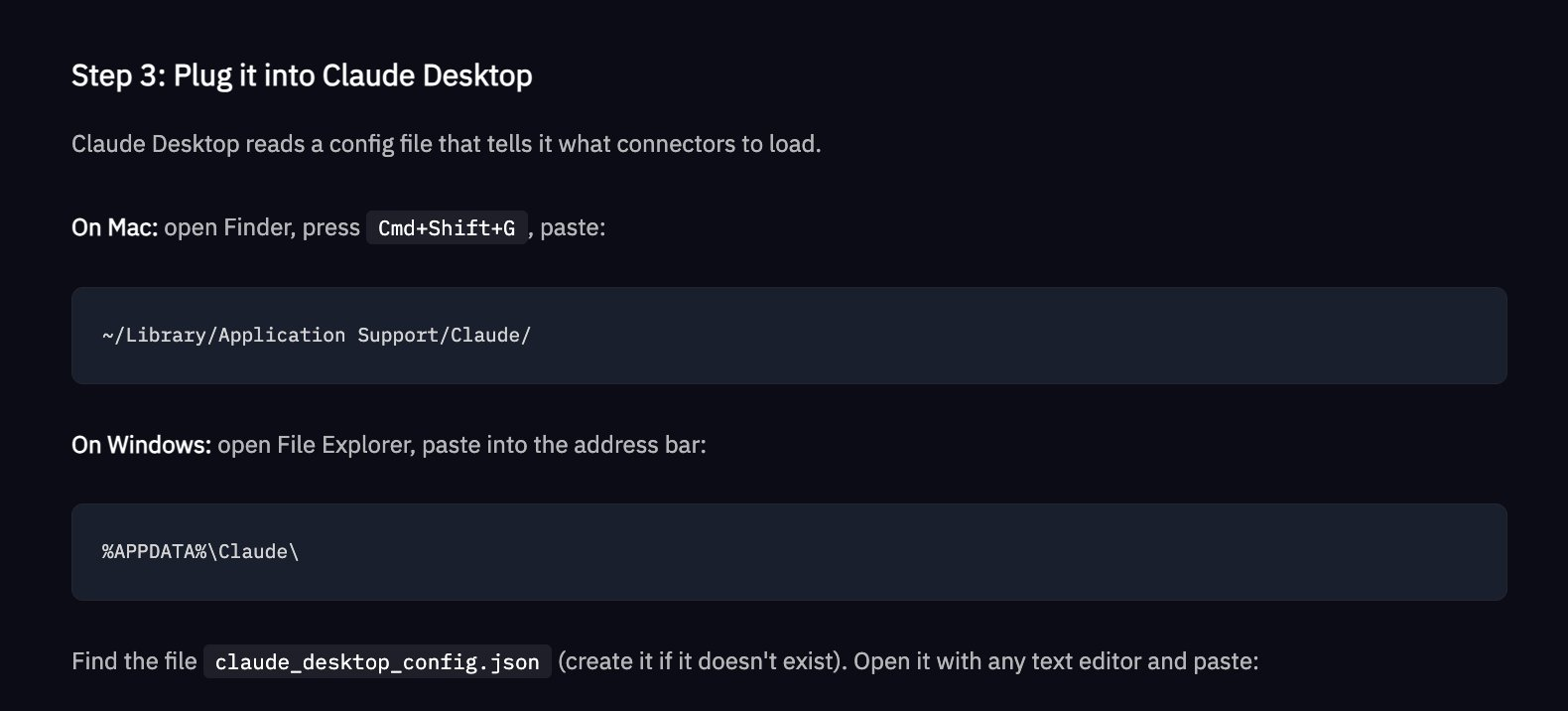
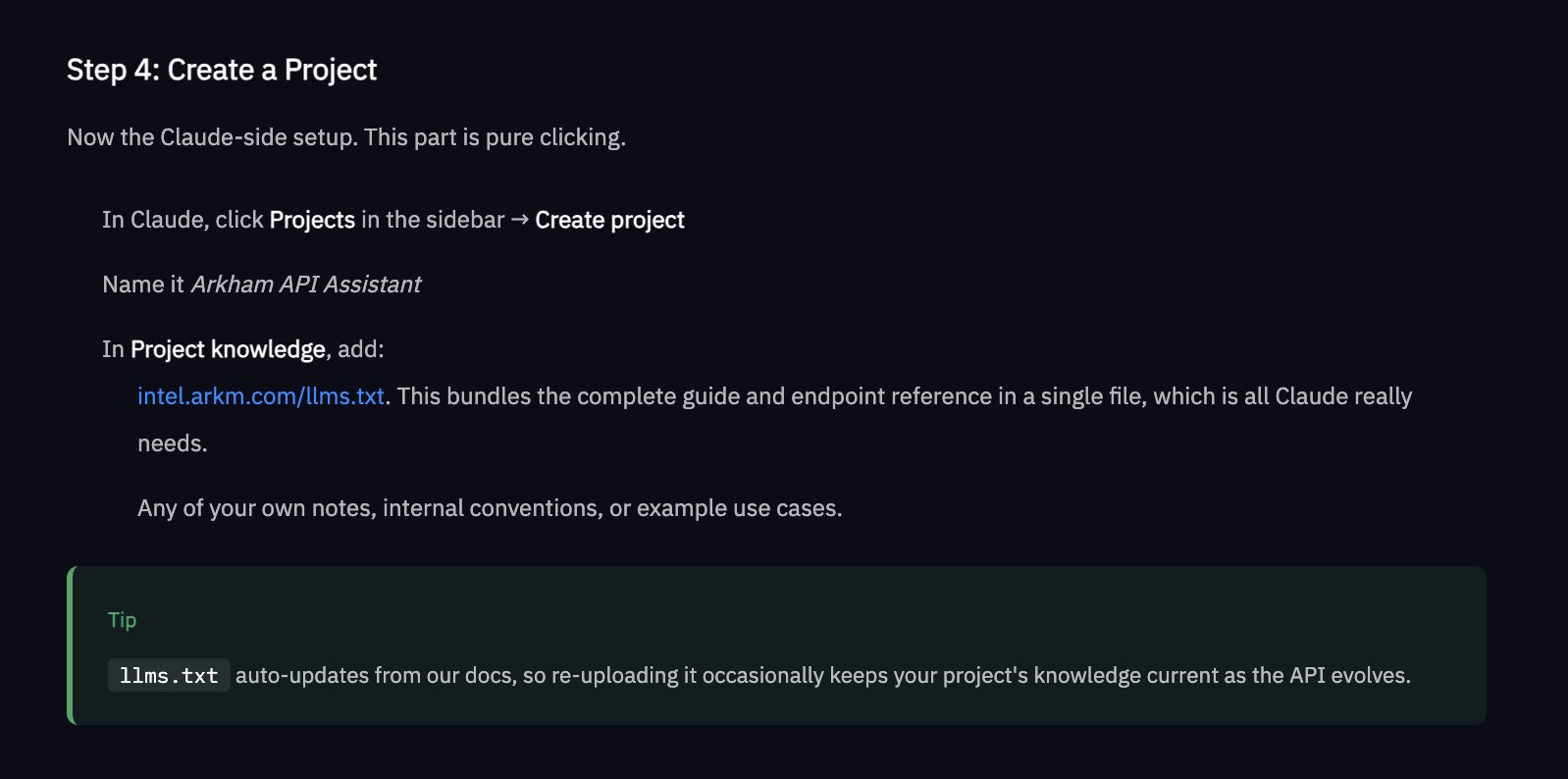
Step 4: Create a Claude Project and name it "Arkham API Assistant". Use http://intel.arkm.com/llms.txt as project knowledge - this provides Claude with a URL containing complete and always up-to-date API references.
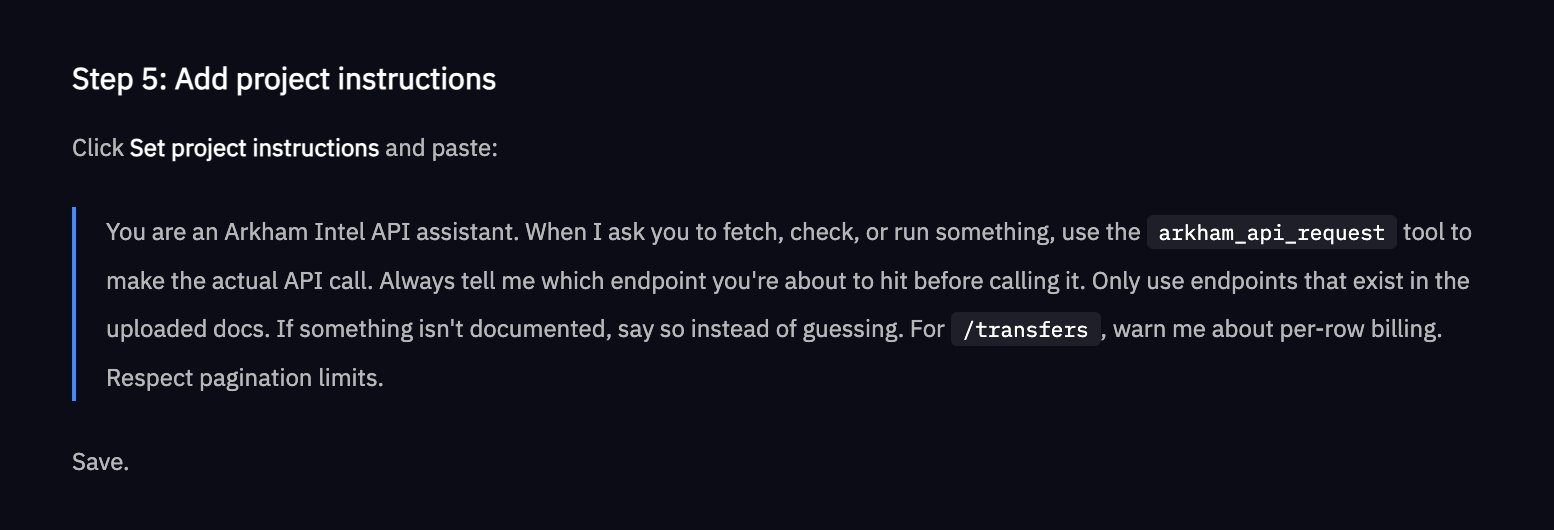
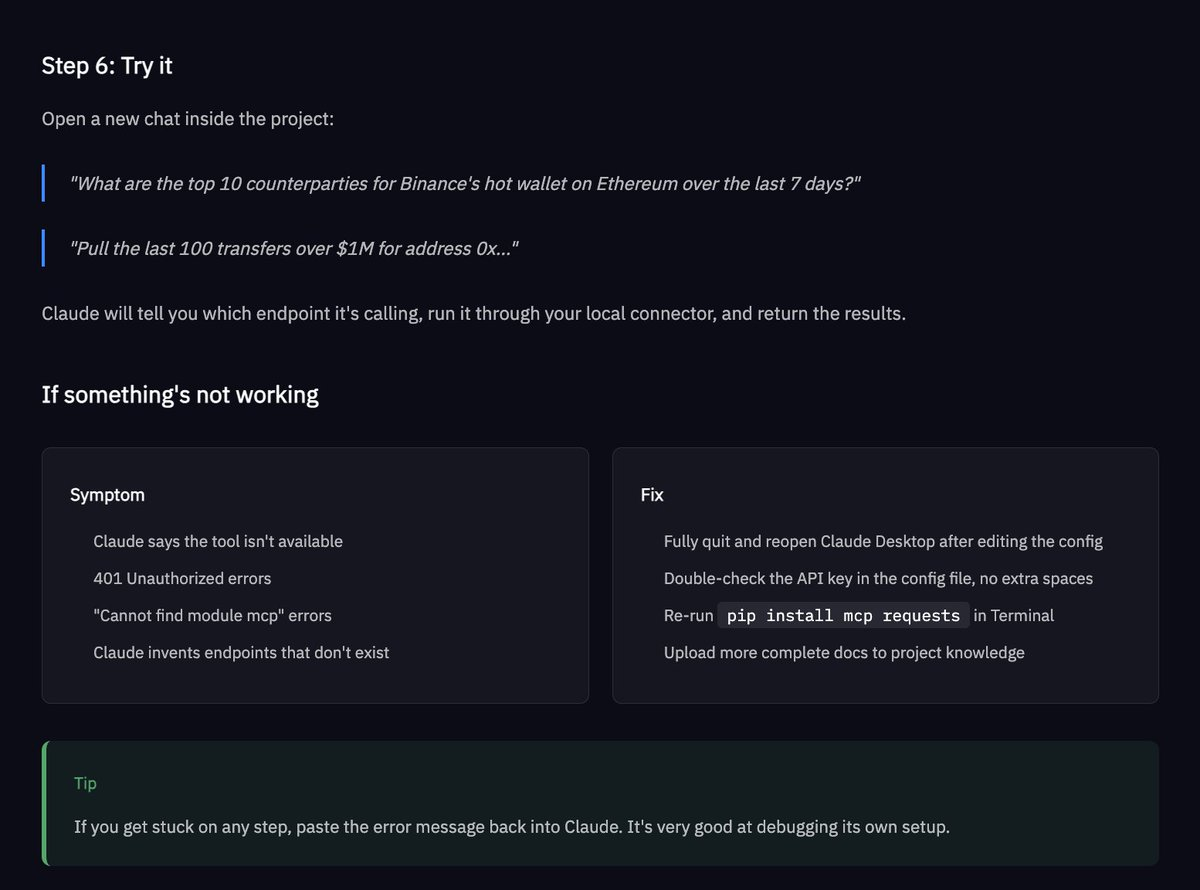
Step 5: Start Asking Questions. Ask Claude questions such as "Get the top 10 trading pairs by transaction volume in Binance Ethereum hot wallets over the past 7 days." It will tell you which endpoint it is accessing, make real-time API calls, and return the results directly to the chat window.
Examples of Functions That Can Be Achieved with the Arkham API
- Traders: Build a trading bot using Arkham entity data to guide trading heuristic algorithms
- Compliance: Achieve automated fraud detection through transaction monitoring
- KYC: Integrate Arkham labels into your organization's systems
The complete Arkham API documentation can also be obtained in a single machine-readable file through the following link: http://intel.arkm.com/llms.txt, submit this URL to Claude, Cursor, Copilot, or any other coding agent to provide immediate context about the Arkham API.
Please register for Arkham API trial access here: https://intel.arkm.com/api?ref=apac
免责声明:本文章仅代表作者个人观点,不代表本平台的立场和观点。本文章仅供信息分享,不构成对任何人的任何投资建议。用户与作者之间的任何争议,与本平台无关。如网页中刊载的文章或图片涉及侵权,请提供相关的权利证明和身份证明发送邮件到support@aicoin.com,本平台相关工作人员将会进行核查。


