Author:DeniseI Biteye Content Team
“Have you raised your little lobsters well?” has become the new greeting when meeting others. From 499 for home installation, to nearly a thousand people lining up for guidance at the Tencent headquarters, to local governments introducing supportive policies; “raising lobsters” is enjoyable, but the barriers to entry are high. The native version's deployment document spans 30 pages, enough to deter 99% of average users.
Before the Spring Festival, Biteye had already organized 6 mainstream deployment solutions from around the world. 👇
In recent days, major domestic companies and new AI forces have also stepped in, launching “little lobster family buckets” that better suit the physique of Chinese babies. Biteye will continue to evaluate the 8 most popular domestic solutions comprehensively based on four dimensions: installation convenience, functionality completeness, cost, and security, helping you quickly choose the “lobster” that suits you best!
Type One: Local Operation
Features: Software is installed on your own computer. When the computer is on, the AI works; when the computer is off, the AI goes offline.
Suitable for: Users who place extreme importance on privacy and need AI to directly operate local software.
1. Zhiyuan AutoClaw (Australian Lobster) - King of Browser Automation
Positioning: Produced by the Zhiyuan GLM team, focusing on powerful browser automation for desktops.
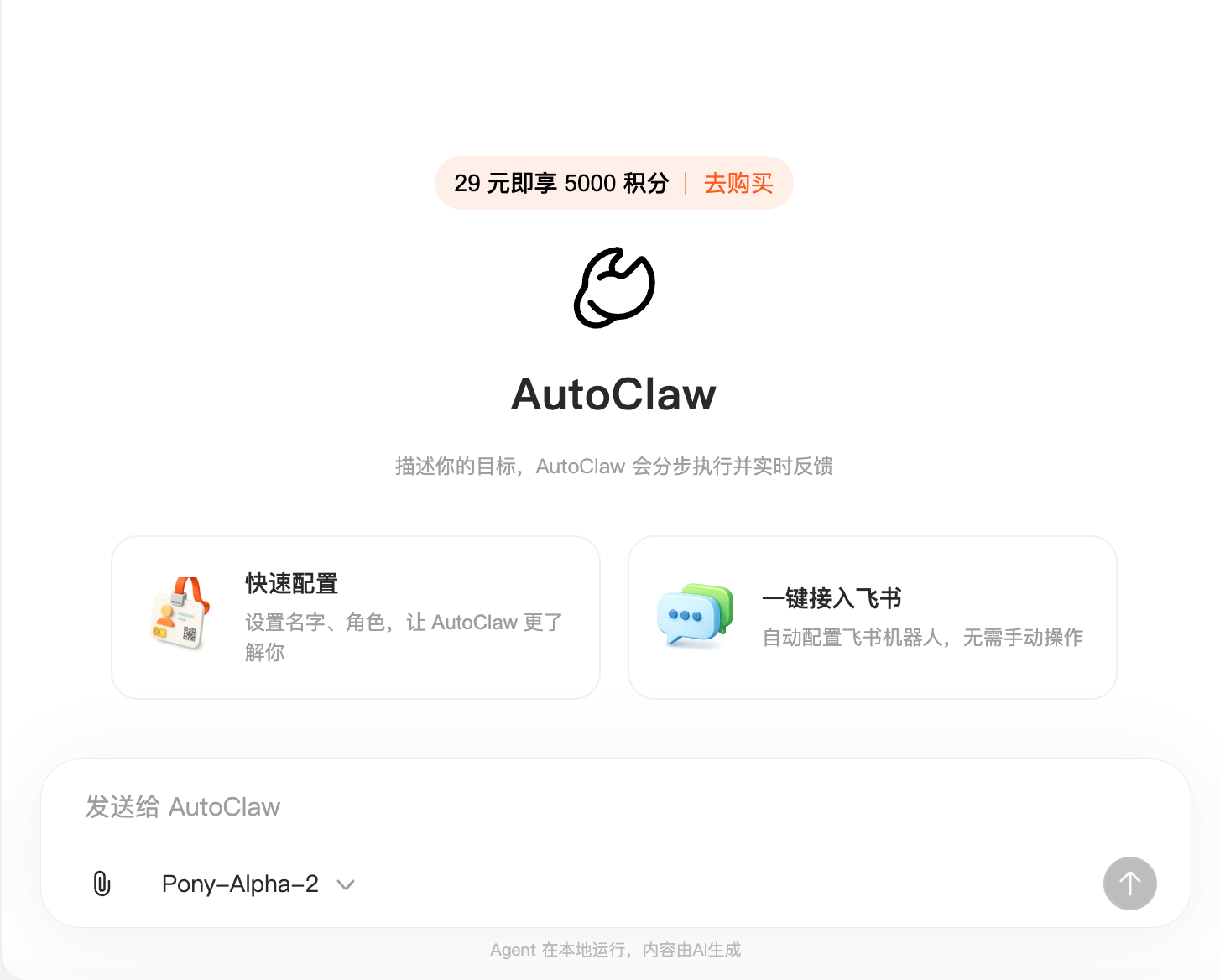
💻 Installation Convenience: ⭐⭐⭐⭐⭐
Comes with a lightweight model, extremely small installation package, allowing automation guidance to start after just 1 minute.
🚀 Functionality Completeness: ⭐⭐⭐⭐⭐
Core capabilities include webpage recognition, simulating real human clicks, automatic form filling, and data collection, with very high execution efficiency.
💰 Cost: ⭐⭐⭐⭐
New users receive a certain amount of free credits/points upon registration (0 cost to start experiencing), supporting multi-tier paid credit packages; model costs are charged based on the integrated Coding Plan or API, without needing additional server costs, providing high cost-effectiveness.
🔒 Security: ⭐⭐⭐⭐
Local model running ensures data is not transmitted outside, and compliance is very strong.
2. Tencent QClaw - Local WeChat Remote Control Version
Positioning: Produced by the Tencent PC Manager team, a local one-click version that remotely controls the computer via WeChat.
Currently in internal testing (limited invitation system, application for an invitation code is required for installation and download).
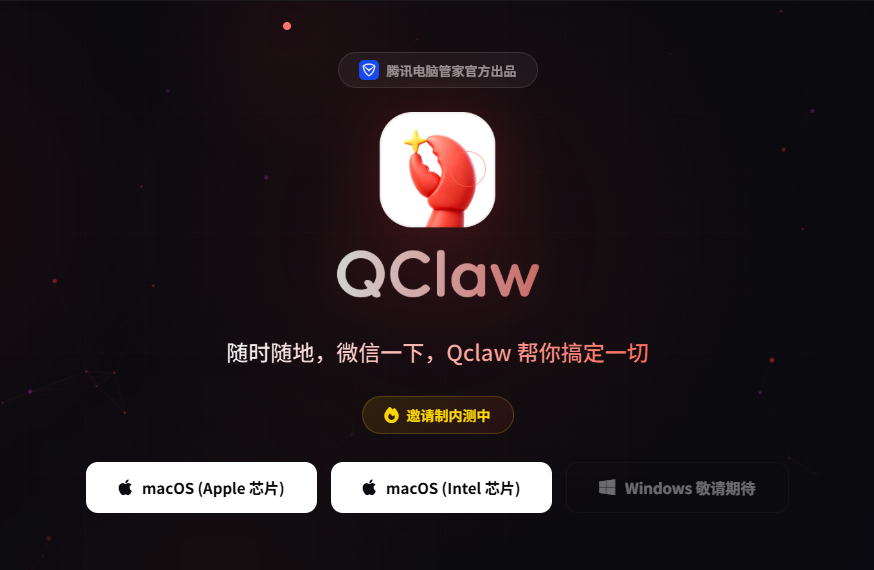
💻 Installation Convenience: ⭐⭐⭐⭐⭐
WeChat scanning for binding, one-click run of the installation package, no environmental configuration needed.
🚀 Functionality Completeness: ⭐⭐⭐⭐
Core advantage is the WeChat entry; sending commands can control the computer to send files and run processes; drawback is it can only run locally, and goes offline when the computer is turned off.
💰 Cost: ⭐⭐⭐⭐⭐
Basic functionality is completely free, extremely friendly network environment in China.
🔒 Security: ⭐⭐⭐⭐⭐
Official backing from Tencent, financial-grade protection, relatively secure local running data.
3. Cheetah EasyClaw - The Pinnacle of Lightweight Privacy
Positioning: Produced by the team of Fu Sheng, an extremely lightweight local privacy version.
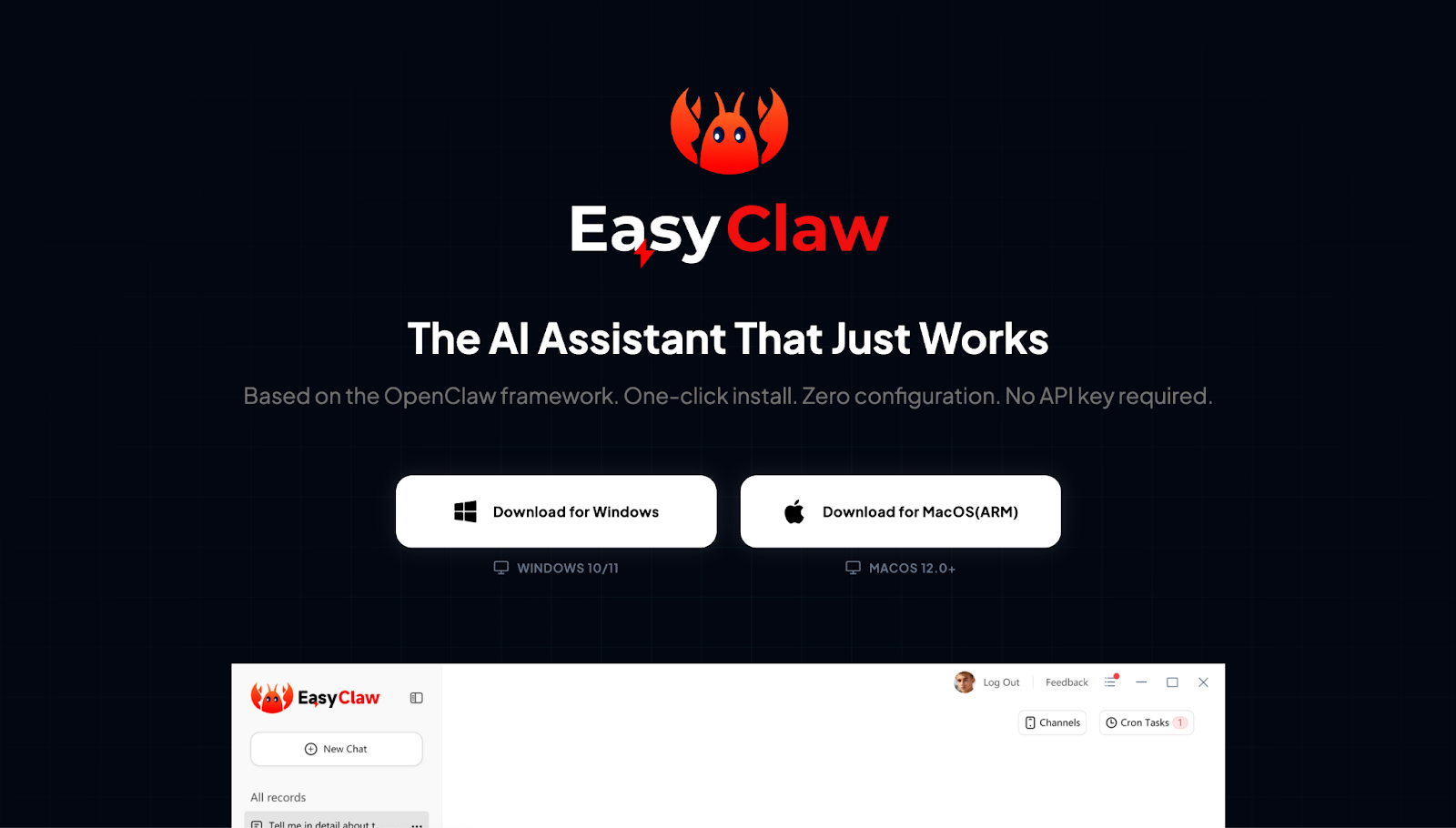
💻 Installation Convenience: ⭐⭐⭐⭐⭐
Double-click to use, perfectly supports Win/Mac, even beginners can complete AI identity setup in 3 minutes.
🚀 Functionality Completeness: ⭐⭐⭐⭐
Supports integration with Telegram/Feishu, AI will continuously record and learn operational habits locally. The shortfall is that the skill library is slightly less than the cloud version.
💰 Cost: ⭐⭐⭐⭐⭐
The software itself is free, utilizing existing hardware resources, API costs can be prepared as needed.
🔒 Security: ⭐⭐⭐⭐⭐
All files, conversations, and memory databases are stored on your personal computer, keeping data within your premises.
Type Two: Web-end/Cloud Hosting (SaaS/Web)
Features: Use it immediately upon logging into the webpage without needing to configure the environment. AI runs on the vendor's cloud, never goes offline, 24 hours a day.
Suitable for: Users who pursue extreme convenience, need synchronization with mobile devices, and execute long-term scheduled tasks.
⚠️ Note: This type of cloud version server is all located within the country, unable to access overseas services such as Google, Telegram, etc. If you need to run cross-border skills or fixed overseas IP, please choose local operation or purchase overseas cloud servers first.
1. Dark Side of the Moon KimiClaw - Simplest Browser Version
Positioning: Built into the Kimi official website's OpenClaw hosting, a tool for beginners.
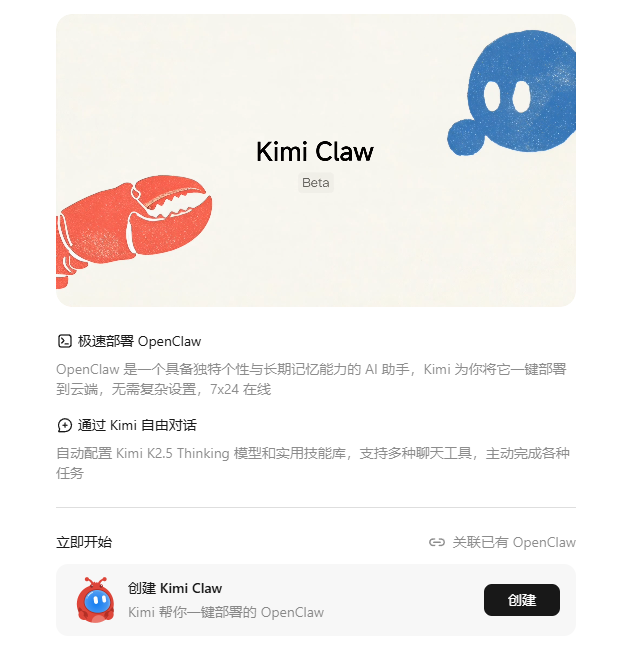
💻 Installation Convenience: ⭐⭐⭐⭐⭐
Completely deployment-free, easily turned on with one click in the Kimi interface, synchronizing online with the mobile app.
🚀 Functionality Completeness: ⭐⭐⭐⭐⭐
Built-in Kimi K2.5 Thinking model + online search + Clawhub skill library, supports scheduled tasks and long-term memory.
💰 Cost: ⭐⭐⭐
Currently only available to Allegretto plan members and above (monthly payment of 199 yuan/yearly payment of 159 yuan).
🔒 Security: ⭐⭐⭐⭐
Large enterprise encrypted storage, data security is better than third-party SaaS.
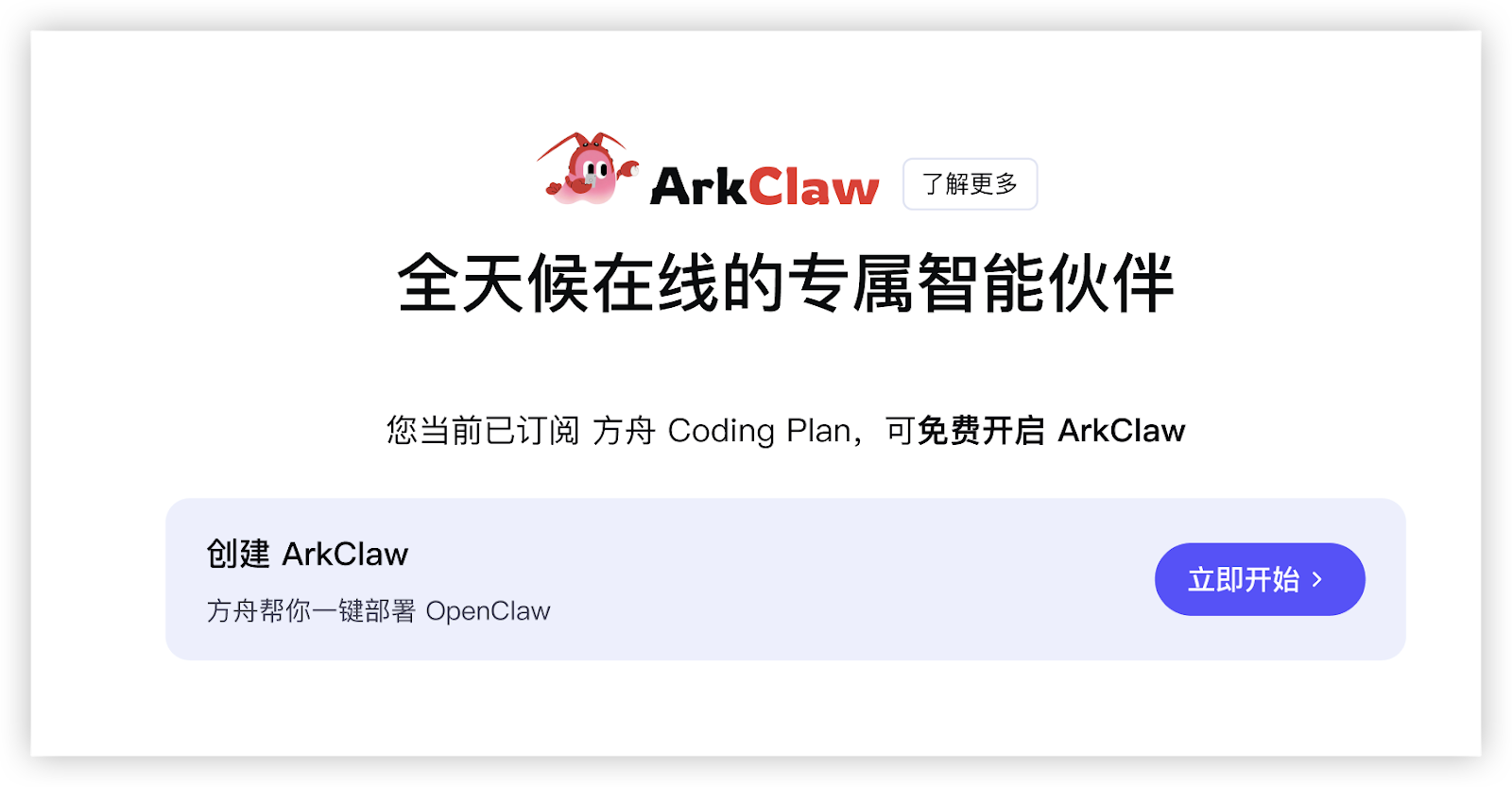
2. Byte ArkClaw - Cloud-based 7×24 Online Version
Positioning: Produced by Volcano Engine, a zero-configuration, ready-to-use cloud SaaS solution.
💻 Installation Convenience: ⭐⭐⭐
One-click creation of a dedicated ECS on the web, requiring no configuration, and can start chatting in minutes.
🚀 Functionality Completeness: ⭐⭐⭐⭐⭐
Online 7×24, deeply integrated with Feishu/DingTalk, supporting skill installation, scheduled tasks, personality definition, file quick transfer, and more.
💰 Cost: ⭐⭐⭐
Requires subscription to Ark Coding Plan (Lite starts from as low as 9.9 yuan for a 7-day trial, Pro from 49.9 yuan/month for long-term use), without worrying about separate Token billing.
🔒 Security: ⭐⭐⭐⭐⭐
Enterprise-level isolation + dedicated resource hosting, compliant with regulations from large enterprises, data is retained for 24 hours after expiration, suitable for commercial use.
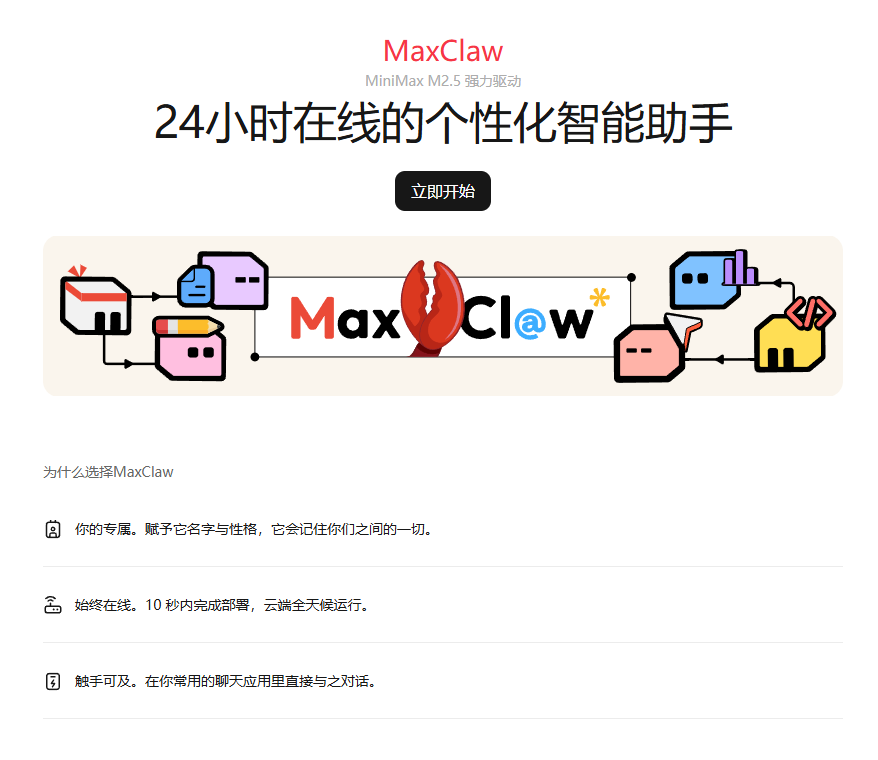
3. MiniMax MaxClaw - The First Choice for Lazy People
Positioning: Fully managed cloud OpenClaw launched by MiniMax, with excellent linguistic sense.
⚠️ Note: Distinguish between the domestic version and the international version; the accounts of the two are not interchangeable, and choice should be based on whether the business involves external networks.
💻 Installation Convenience: ⭐⭐⭐⭐⭐
After logging in with a phone number, one-click to create an instance, completely bypassing annoying Docker error messages.
🚀 Functionality Completeness: ⭐⭐⭐⭐
7×24 cloud presence, supports long-term memory, an all-in-one toolbox, Cron scheduled tasks, multi-end IM access, and skill market installation, suitable for automated office tasks and content creation.
💰 Cost: ⭐⭐⭐⭐
Subscription-based (MiniMax Agent membership starts around 39 yuan/month), with credit packages covering extensive usage, supporting coding plans, eliminating self-build costs.
🔒 Security: ⭐⭐⭐
Cloud container hosting, data is stored on the MiniMax platform, compliance is good but it is advised not for extremely sensitive tasks to avoid uploading core secrets.
Type Three: Self-Built Cloud Server
Features: Rent lightweight cloud servers from major companies. You own a “cloud computer,” providing the highest degree of freedom but with operational thresholds.
Suitable for: Developers, enterprise-level heavy users, and “lobster farmers” who need to run large-scale batch tasks.
1. Tencent Cloud Lighthouse - Lightweight Cloud Server
Positioning: Tencent Cloud's official one-click deployment solution, bringing OpenClaw to lightweight cloud servers.
💻 Installation Convenience: ⭐⭐
Select “OpenClaw One-Click Image” in the console, purchased and automatically initialized within 3-5 minutes, simple verification/launch via web terminal to get started.
🚀 Functionality Completeness: ⭐⭐⭐⭐⭐
Operates within Tencent's internal network, with extremely low API call latency for WeChat/enterprise WeChat, supporting 24-hour monitoring + report pushing to WeChat, achieving a complete closed-loop ecosystem.
💰 Cost: ⭐⭐⭐⭐
Prices typically range from 30 to 60 yuan per month. Compared to the subscription model of SaaS web versions, this “renting a computer” method is more cost-effective for heavy script users.
🔒 Security: ⭐⭐⭐⭐⭐
Sandbox isolation + Tencent Cloud enterprise-level protection, AI misoperations are limited to the cloud and will not affect local data, supporting snapshot backups.
2. Alibaba Cloud ECS - The Most Stable Cloud Base
Positioning: Alibaba Cloud's official one-click deployment solution, bringing OpenClaw to the most stable cloud base.
💻 Installation Convenience: ⭐⭐⭐
One-click selection of OpenClaw application image purchase on the official website, automated deployment in 5-10 minutes, with extremely friendly official documents + video tutorials.
🚀 Functionality Completeness: ⭐⭐⭐⭐⭐
Natively integrated with the Bai Lian platform (Qwen 3.5 series) + AppFlow connecting DingTalk/enterprise email and other local scenarios, leading in Chinese understanding and token subsidies.
💰 Cost: ⭐⭐⭐⭐⭐
Exclusive for new users at 68 for a year, for heavy users who need 24-hour online task running, it costs only a few dimes per day.
🔒 Security: ⭐⭐⭐⭐⭐
Financial-grade protection + officially maintained images, supporting one-click rollback of snapshots, and configuration file errors can easily be restored to yesterday.
Conclusion: The Game Between Freedom and Ease
Overall, KimiClaw and MaxClaw, in essence, are “trading freedom for convenience.” Although they sacrifice deep local control, absolute privacy control, and freedom in overseas ecosystems, they gain ultimate convenience with zero barriers to entry, one-click deployment, and never going offline. For novice users or light office workers, this is undoubtedly the perfect first stop for getting started.
However, when your needs advance to deeply managing local files or automating overseas toolchains, the limitations of cloud versions will become apparent. This is the path many experienced players must take: starting from the cloud for a trial, ultimately achieving independent control.
- Advanced choice: If you have high privacy requirements and need to be online 24 hours a day, self-built cloud servers are the “middle way” to balance efficiency and isolation.
- Ultimate answer: If you pursue extreme privacy and content security, then completely saying goodbye to the cloud and using idle computers or a Mac Mini to build a local private “lobster pool” is the ultimate answer.
💡 Easter Egg: Editor’s “Self-Kept” High Cost-Performance Solution
Having written so much, I’d like to share my setup for “efficiency, security, and cost-saving,” which is:
Lobster Raising Configuration: Tencent Cloud lightweight server (about 30 yuan/month) + MiniMax domestic Coding Plan (about 260 yuan/year)
To be honest, although the local version is powerful, as a heavy user, I am always hesitant to directly run Docker on my main computer. After all, OpenClaw has the highest privileges of the operating system; “keeping the lobsters in the cloud sandbox” is my final safety bottom line. Even if the AI logic fails and accidentally deletes files, the only impact is on the cloud container, leaving my local data unaffected.
The “Battle of a Hundred Lobsters” in 2026 has just begun, as models iterate and ecosystems explode, OpenClaw is evolving from a toy into a productivity infrastructure.
“To do a good job, one must first sharpen their ‘claws’.” Come and share your “lobster raising” insights in the comments: which one is the most stable? Which one is the cost-performance king? Let’s witness this AI revolution together!
免责声明:本文章仅代表作者个人观点,不代表本平台的立场和观点。本文章仅供信息分享,不构成对任何人的任何投资建议。用户与作者之间的任何争议,与本平台无关。如网页中刊载的文章或图片涉及侵权,请提供相关的权利证明和身份证明发送邮件到support@aicoin.com,本平台相关工作人员将会进行核查。


