For users who frequently make on-chain transactions, the biggest concern with large orders is not "can I buy it," but rather:
If I place a large order all at once, will it push the price up directly?
Especially in assets with limited liquidity, rapid market fluctuations, or insufficient trading depth, a large order can cause significant price impact and slippage. The final execution price may deviate from the expected price, which often directly affects trading costs.
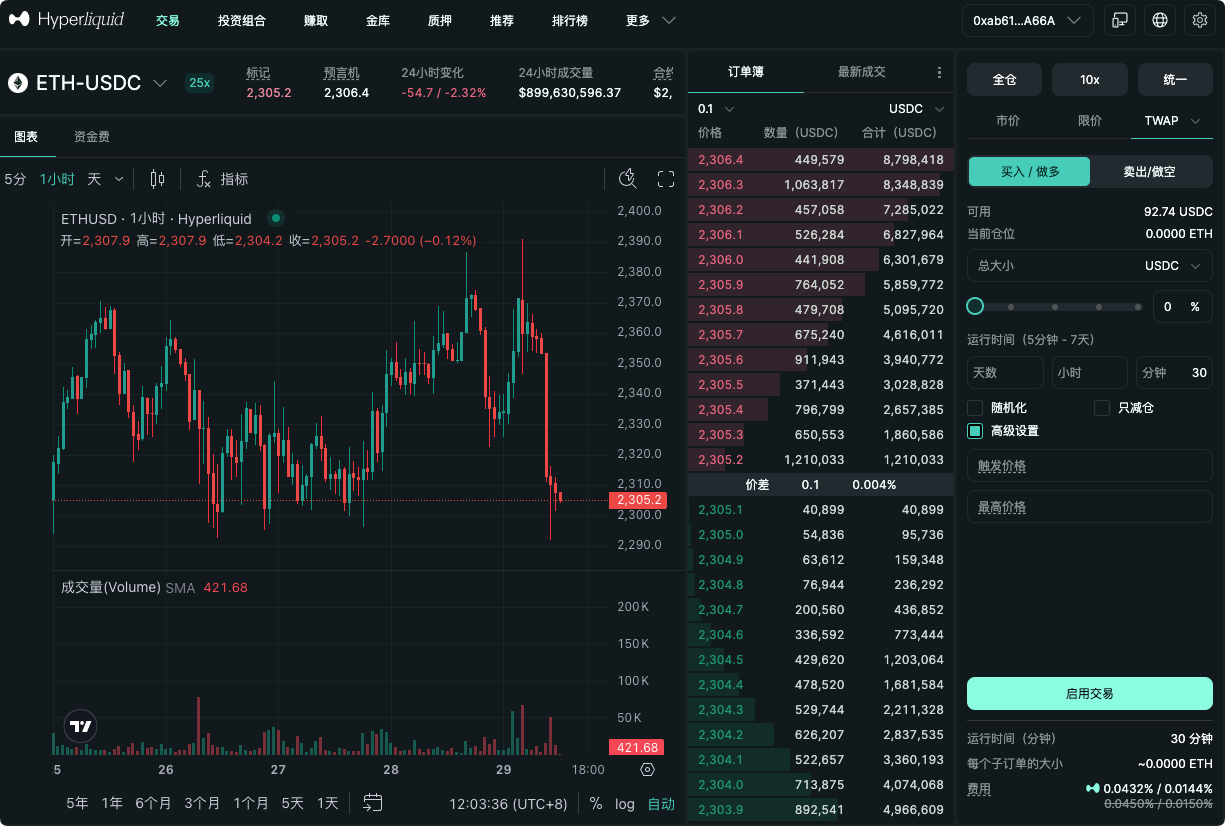
The latest feature introduction from Binance's official Chinese account shows that Binance Wallet's professional mode now supports the split order function: users can automatically split a large order into multiple small orders, executing them in batches at set time intervals while setting price limits, and can cancel at any time.
Current supported parameters include:
- Split quantity: 2—90 orders;
- Execution interval: 1—60 minutes;
- Price limits: customizable;
- Execution control: supports cancellation at any time.
For trading users, this is not simply splitting an order into several parts, but transforming order execution from a one-time action into a trading process that allows setting rhythm, price range, and execution boundaries.
1. What is a split order? Why do large transactions need it?
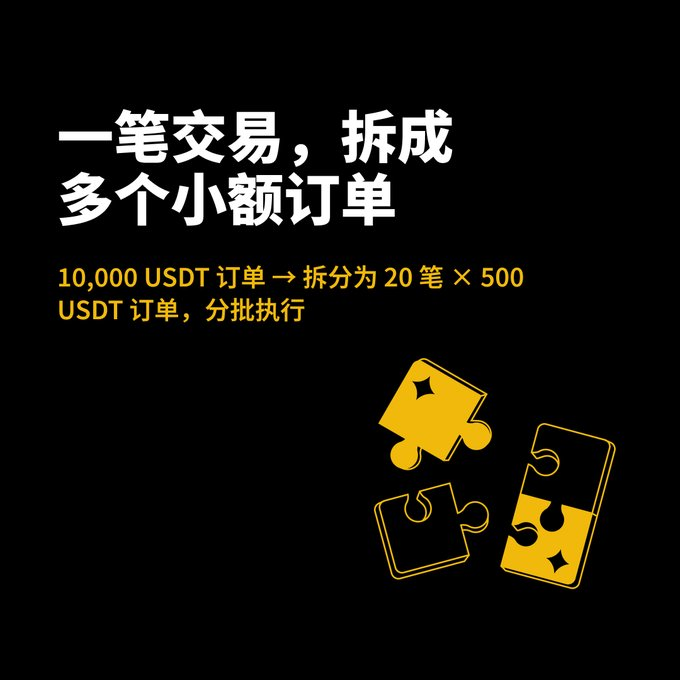
A split order, simply put, is breaking down a large order that was originally intended to be completed in one go into multiple smaller orders, executed step by step according to user-defined intervals.

For example:
If a user intends to trade assets worth 90,000 USDT, they can choose to split it into 30 orders, executing one every 5 minutes. This way, the funds won't all enter the market at the same time, and the impact of each individual order on the market may be reduced.
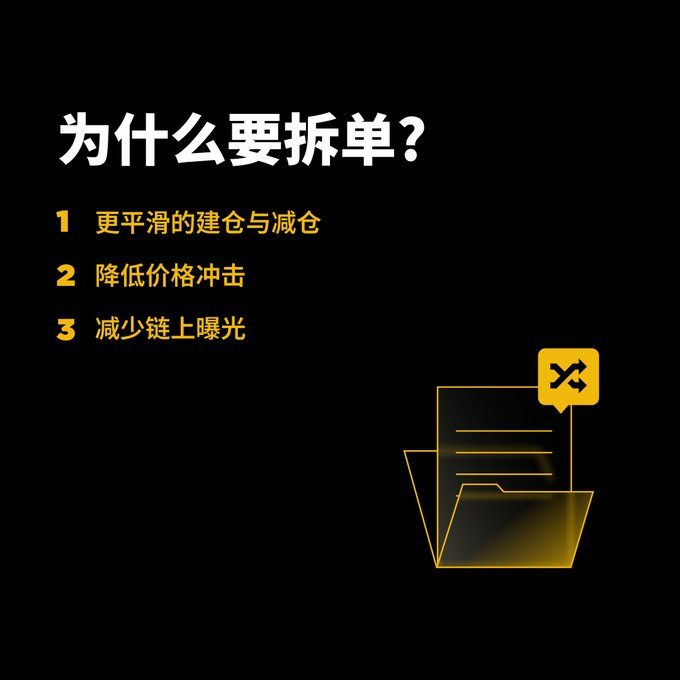
Split orders mainly address three issues:
1. Reduce the impact of individual orders on price
A one-time large buy can quickly consume multiple price levels on the order book; a one-time sell can also cause the price to continuously decline. Executing in batches allows the order to flow more smoothly into the market.
2. Reduce uncertainty in slippage
Market quotes change with order size, liquidity, and trading speed. Splitting orders does not guarantee that each transaction will be better, but it can reduce extreme price deviations caused by one-time transactions.
3. Provide users with more execution control
By setting execution intervals and price limits, users can plan the trading rhythm in advance instead of constantly monitoring the market and repeating orders.
2. What parameters are included in Binance Wallet's split order function?
1. Split order quantity of 2—90 orders
Users can set the split order quantity based on order size and market liquidity.
- Small orders can choose fewer splits to complete quickly;
- Medium-sized orders can increase the split quantity to reduce individual impact;
- Large orders can be set with finer execution rhythms according to market depth.
The more split orders there are, the smoother the execution process, but it may also take longer to complete all orders. Users need to find a balance between "reducing impact" and "completion speed."
2. 1—60 minutes execution interval
The execution interval determines how long to wait between each small order.
If the market changes rapidly, a shorter interval can allow for faster order completion; if users wish to reduce continuous market impact, a longer interval can be set.
The suitable intervals vary between different assets:
- High liquidity mainstream assets may suit shorter intervals;
- Assets with weaker liquidity can consider a more dispersed execution rhythm;
- Markets with high volatility need to be managed in conjunction with price limits.
3. Set price limits
This is a very important control parameter in the split order function.
Users can set a price range for acceptable transactions; when market prices exceed the preset limits, the order can be paused or execution can stop. This way, users won't continually trade within a price range that is completely off their expectations due to sudden market changes.
The value of price limits lies in changing the trading plan from "unlimited execution" to "execution with boundaries."
4. Cancel at any time
If market conditions change, users can cancel their unexecuted split order plans at any time.
For example:
- A sudden significant fluctuation in assets;
- News events change trading logic;
- Prices break through the preset range;
- Users need to readjust their positions;
- Market liquidity significantly declines.
The cancel feature keeps users empowered, allowing them not to wait for all split orders to be executed.
3. What is the difference between the split order function and manual batch trading?
Many traders used to place orders in batches manually, but manual operations usually come with several issues:
- Need to continuously monitor the market;
- Easy to forget the next order;
- Unstable time intervals;
- Emotions can affect execution;
- Easy to chase prices during rapid market changes;
- A large number of repeated operations may lead to errors.
The value of the split order function is transforming batch trading into a pre-set execution plan. Users only need to set the split order quantity, execution interval, and price boundaries, and the system can automatically execute according to the rules.
This is especially suitable for those with a clear trading plan but without time to continuously monitor the market.
4. How to set split order parameters based on market data?
For information media and data analysis platforms, the biggest analytical value of the split order function lies in its ability to combine with market liquidity data.
1. Observe order book depth
If a particular asset has thick buy and sell orders, the impact of large orders on price is usually relatively limited, and it may be appropriate to reduce the split order quantity or shorten the interval.
If the order book is thin, a large order could quickly consume multiple price levels, in which case it would be wise to consider increasing the split order quantity and extending the interval.
2. Observe trading volume
Users can observe the average trading volume of assets over different periods. When trading is active, market absorption capacity is usually stronger; during low volume, it is advisable to avoid concentrating large orders.
3. Observe volatility
High-volatility assets change prices more quickly, so the split order interval cannot simply be set longer. Users need to combine price limits to avoid orders continuing to execute after rapid market changes.
4. Observe bid-ask spreads
The larger the spread, the higher the trading costs. Split orders can reduce the impact of individual orders, but if the liquidity of the asset itself is poor, batch trading may still face high spreads and slippage.
5. Observe trading goals
Different goals correspond to different settings:
- Want to complete the trade quickly: fewer orders, shorter intervals;
- Want to reduce price impact: more orders, longer intervals;
- Only accept within a certain price range: set upper and lower limits;
- In uncertain market conditions: test with small amounts before expanding order size.
5. A simple example of split order setup
Suppose a user wants to trade assets worth 100,000 USDT; they can consider the following approaches:
Option A: Favoring rapid execution
- Split into 10 orders;
- Execute one every 2 minutes;
- Set a wide price range.
This is suitable in situations where market liquidity is good, and the user values execution speed more.
Option B: Favoring reducing impact
- Split into 50 orders;
- Execute one every 10 minutes;
- Set clear price limits.
This suits large orders, average market depth, and users who value execution smoothness more.
Option C: Test first then expand
- Initially split into a small amount of orders;
- Observe actual execution price, slippage, and price changes;
- Adjust split order quantity and interval based on the data.
This method is suitable for trading a particular asset for the first time or in cases of uncertainty about the market's real liquidity.
The above are just parameter ideas and do not represent fixed trading advice. Actual settings should combine order size, asset liquidity, market volatility, and individual trading plans.
6. Split orders do not guarantee better execution prices
The split order function can help reduce the price impact caused by one-time transactions, but it does not mean that every executed order will be better than a one-time execution, nor does it guarantee lower final costs.
The market may continue to rise or fall during the execution of split orders, leading to changes in subsequent execution prices. Particularly in fast-moving markets, extending execution time may bring new price risks.
Therefore, users need to understand the split order function as:
A tool for order execution management, rather than a tool for predicting prices or guaranteeing profits.
Its main value is to make large transactions more planned, more rhythmic, and easier to control, rather than making market direction judgments for the users.
7. How to enter Binance Wallet's professional mode?
Users can follow these steps to experience:
1. Open Binance Wallet;
2. Enter professional mode;
3. Choose the asset and trading direction needed;
4. Find the split order function;
5. Set the split order quantity;
6. Set the execution interval;
7. Set the price limits;
8. Confirm the order plan and start execution;
9. Cancel any unexecuted portions as per market changes.
For first-time users, it is recommended to start with smaller amounts, observe actual executions, price impacts, and execution statuses, and then gradually adjust parameters.
Conclusion: The core of large transactions is not just direction, but also execution method
Many traders focus on "what to buy, what to sell," neglecting "how to execute." As order sizes increase, the execution method directly affects slippage, price impact, and final costs.
With the launch of the split order function, Binance Wallet supports 2—90 splits, 1—60 minute execution intervals, price limits, and anytime cancellation, providing users with a more flexible tool for managing large transactions.
For information media and data analysis platforms, the value of the split order function lies in that it allows trading execution to better combine with order book depth, trading volume, volatility, and spread data.
Large transactions do not necessarily need to be completed in one go; a good execution plan is often just as important as the trading judgment itself.
Exclusive benefits for AiCoin users
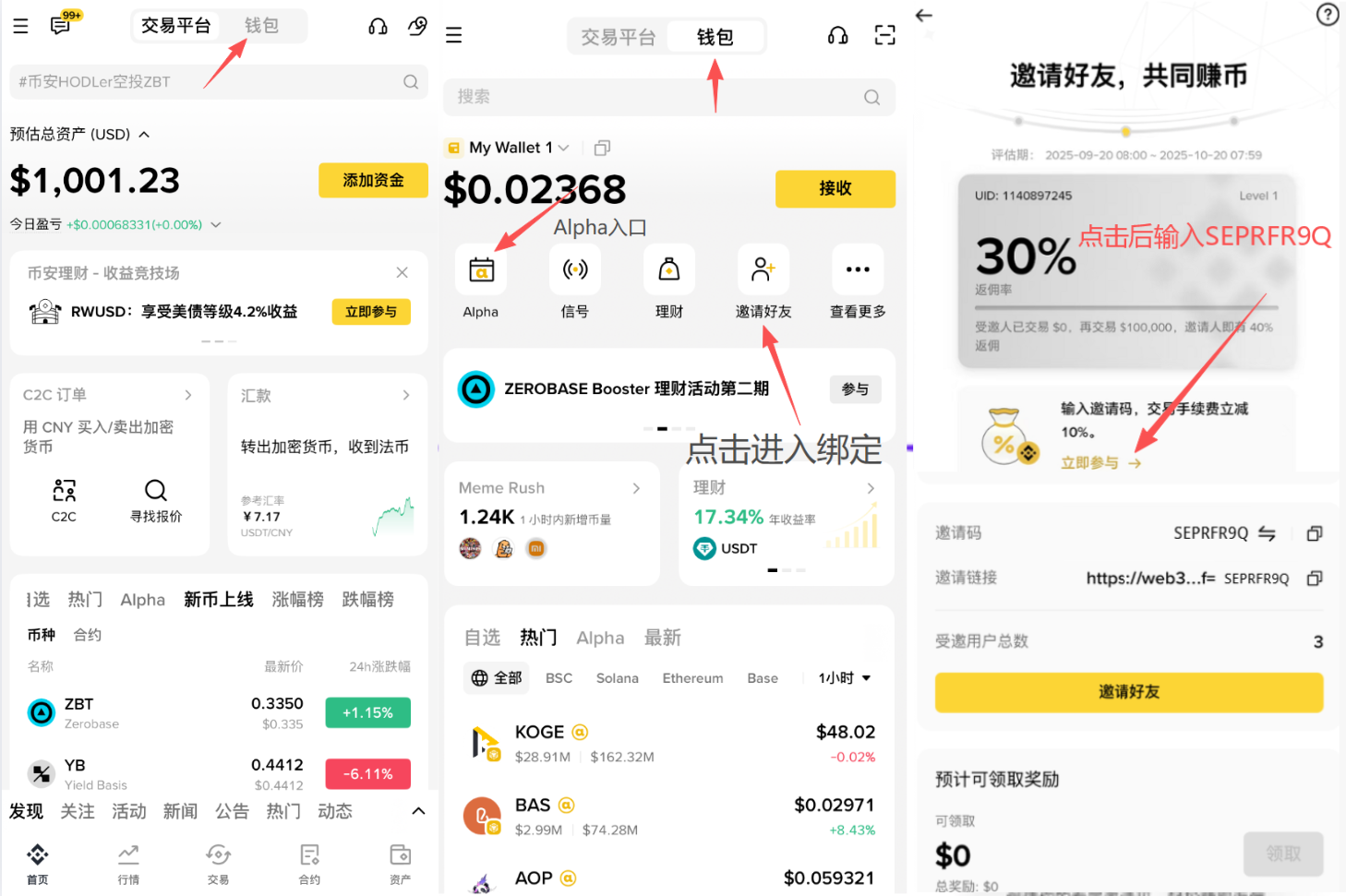
👉 Enter invite code SEPRFR9Q when using Binance Wallet to enjoy 10% fee rebate, making meme trading cheaper and more profitable
🔗 Exclusive link:
https://web3.binance.com/referral?ref=SEPRFR9Q
免责声明:本文章仅代表作者个人观点,不代表本平台的立场和观点。本文章仅供信息分享,不构成对任何人的任何投资建议。用户与作者之间的任何争议,与本平台无关。如网页中刊载的文章或图片涉及侵权,请提供相关的权利证明和身份证明发送邮件到[email protected],本平台相关工作人员将会进行核查。