In the Solana ecosystem, creating a Token does not require writing your own smart contract. For project developers, novice users, and Meme projects, it is more important to understand how to create a Token, how to choose a Launch platform, and how to manage and trade it after creation.
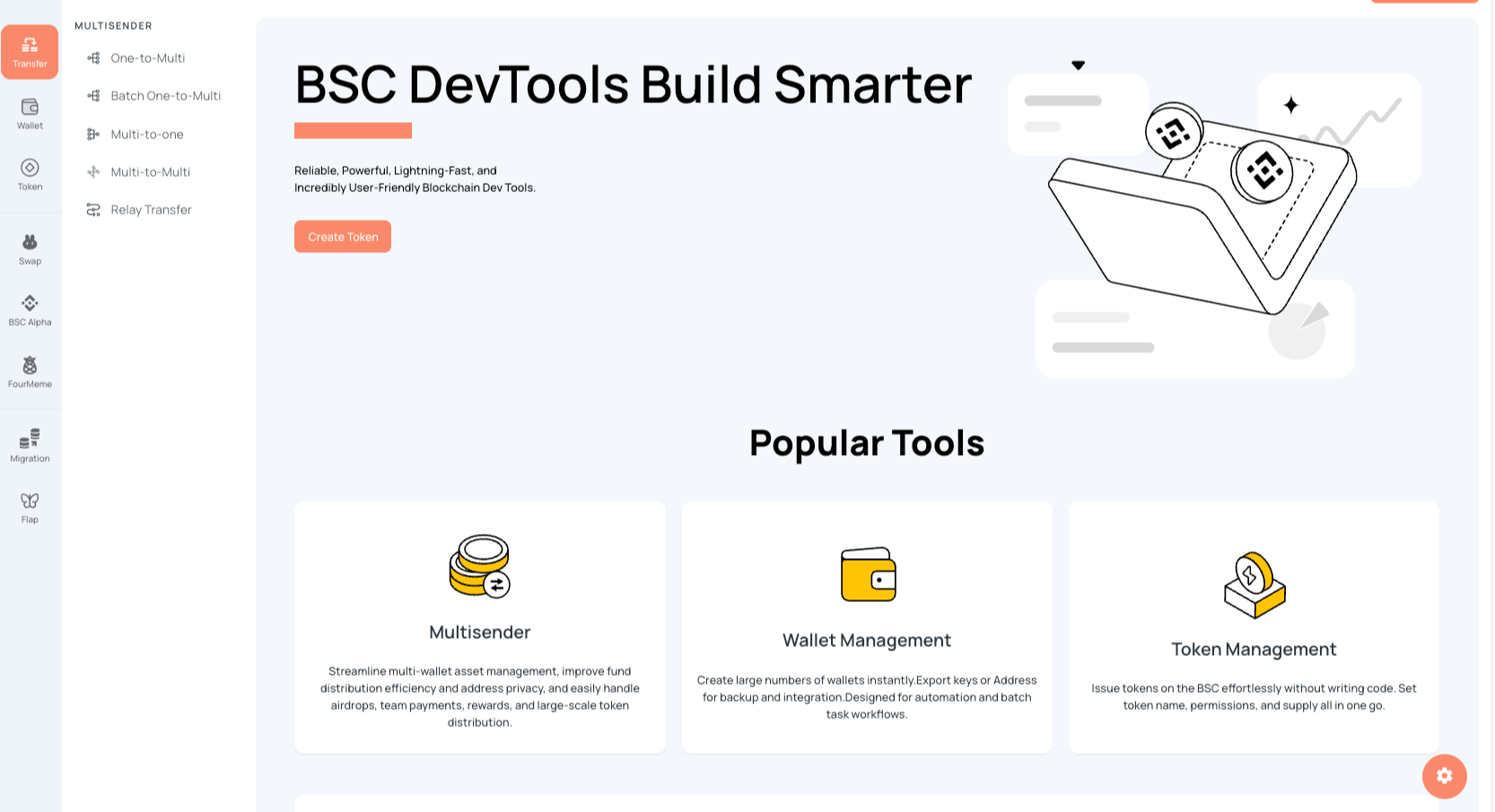
With the help of visual tools like CiaoTool, you can accomplish tasks such as creating Solana SPL Tokens, Token-2022 tax tokens, Token management, Pump / Bonk Launch, and trading and liquidity in Raydium / Meteora.
How to create SPL Token on Solana?
One of the most common token standards in Solana is SPL Token.
Before creation, you need to prepare a Solana wallet and a small amount of SOL to pay for on-chain transaction fees.
When using CiaoTool to create a Token, you only need to fill in the basic information:
Token Name: Token Name
Symbol: Token Symbol
Decimals: Token Decimals
Supply: Token Supply
Logo / Metadata: Token Display Information
After connecting your wallet and confirming the transaction, the Token creation will be completed.
The entire process does not require programming and is suitable for project developers and individual users without development experience.
Token Permissions
When creating, you can also set relevant permissions, including:
Mint Authority: Control the subsequent issuance
Freeze Authority: Freeze or unfreeze accounts
Metadata Authority: Modify part of the metadata
For example, if future issuance is needed, you must retain the Mint Authority; if you have given it up, you will not be able to issue more through that authority.
Token-2022: Creating Tax Tokens
In addition to regular SPL Tokens, Solana also supports Token-2022.
Token-2022 provides more expansion features, one common one being the transfer tax mechanism.
With CiaoTool, you can create Token-2022 without writing code and set transaction tax rates. After creation, you can also extract and manage the generated tax fees.
If you are only issuing a regular Token, SPL Token is usually sufficient; if you require special mechanisms like tax fees, consider Token-2022.
How to Enter the Market After Creating a Solana Token?
Creating a Token only completes the issuance; if you want regular users to buy and sell, you need to establish a liquidity market for the Token.
For projects that created SPL Tokens on their own, you can choose to create a liquidity pool on Raydium and add liquidity. The official Raydium currently supports different liquidity models such as AMM, CPMM, and CLMM, among which CPMM is a common choice when creating a new pool.
It is important to note that Raydium adding pools is different from the Pump / Bonk launch model. After completing the creation of a regular SPL Token, you can independently choose trading pairs and establish liquidity on Raydium.
How to Add a Pool for Solana Token on Raydium?
Before starting, you need to prepare:
A completed Solana SPL Token
A Solana wallet
Enough SOL for liquidity and on-chain transaction fees
Another asset prepared for trading, such as SOL or USDC
Confirm the Token Mint address is correct
The basic process of creating a liquidity pool can be understood as: Connect Wallet → Enter Raydium Liquidity → Create Pool → Select Token Trading Pair → Set Liquidity → Confirm Transaction
For example, create a: SOL / YOUR TOKEN trading pool.
The ratio of the two assets in the pool will affect the initial trading price. Therefore, when setting liquidity, you need to plan the quantity relationship between the Token and SOL in advance.
Adding Liquidity
If there is already a corresponding Raydium Pool, you can directly add liquidity to the existing pool.
Typically, you need to:
Connect Solana wallet;
Select the corresponding Raydium Pool;
Confirm the Token trading pair;
Input the amount of Token you are prepared to add;
Prepare the asset for the other side according to the current pool ratio;
Check transaction fees and pool information;
Wallet signs the transaction.
Once completed, the liquidity will enter the corresponding Raydium Pool. Depending on the specific pool type, the liquidity certificates may also vary.
How to Choose Between CPMM, AMM V4 and CLMM?
If it is your first time adding a pool for your Solana Token, you may want to understand the three modes:
CPMM: Based on a constant product model, suitable for regular Token liquidity pools;
AMM V4: Raydium's classic AMM model;
CLMM: Concentrated liquidity allows for setting specific price ranges, more suitable for projects with market-making strategies.
For a typical new Token, if there are no complex market-making demands, you can prioritize understanding CPMM; if you wish to conduct more refined price range management, you can further study CLMM. The official Raydium documentation currently describes CPMM as one of the recommended modes for new pools.
Pump.fun: A Popular Launch Choice for Meme Projects
If you are preparing to issue a Meme Token through Pump.fun, you can directly use Pump's creation process.
It is important to understand here:
The Pump creation itself is the issuance process.
There is no need to first create an SPL Token separately and then create it again on Pump.
Pump Opening and Buying
You can complete the creation when the Pump project starts and participate in the initial trade according to the preset strategy.
The related tools also support:
Opening buy
Early trading
Multi-address trading
Bundled trading
Pump / PumpSwap Micro Trading
Among them, bundled trading can increase the execution efficiency of multiple transactions using Solana infrastructure like Jito.
In practice, you should pay attention to slippage, price fluctuations, and platform rules.
Bonk: Another Solana Meme Launch
In addition to Pump, Lets Bonk is also an important issuance entrance for Solana Meme ecosystem.
CiaoTool supports:
Bonk creation and buying
Bonk USD1 creation and buying
Duplicate configuration of related projects
Unlike the creation of regular SPL Tokens, the creation process of Bonk is part of the Launch.
Therefore, if your goal is to issue a Meme project directly through the Bonk ecosystem, you can choose the corresponding creation method directly.
Raydium and Meteora: Trading Ecosystem After Creation
If the Token has been created, you can further enter the ecosystems of Raydium and Meteora.
Raydium
CiaoTool supports Raydium:
AMM
CPMM
CLMM
Liquidity-related operations
Batch trading
CPMM is more suitable for regular liquidity pools, while CLMM can manage liquidity through price ranges.
It is important to note that Raydium-related functions are mainly for trading and liquidity, not for the "create and buy" issuance model.
Meteora
Meteora can also be used for the subsequent liquidity management of Solana Tokens.
Thus, it can be simply understood as:
SPL / Token-2022 → Create Token
Pump / Bonk → Launch
Raydium / Meteora → Trading and Liquidity
How to Manage Solana Tokens After Creation?
After the Token is created, long-term management is also required.
CiaoTool supports:
Token Minting
Token Updating
Token Burning
Account Freezing / Unfreezing
Token Snapshot
Among these, minting depends on whether the Mint Authority is retained; burning can permanently reduce Token supply; and snapshots can quickly obtain holder addresses and holdings data for airdrops, community events, etc.
Solana Batch Transfers and Asset Management
After issuing tokens, project teams often need to conduct airdrops, reward distribution, and multi-wallet asset management.
CiaoTool supports:
One-to-Many Transfers
Slow One-to-Many Transfers
Many-to-Many Transfers
Batch Collection
One-Click Cold Swap
You can quickly complete the distribution and collection of a large number of Tokens based on different scenarios.
Solana Intermediary Transfers
Intermediary transfers can complete asset transfers through an intermediate address, such as: Wallet A → Intermediate Wallet → Wallet B
Compared to direct transfers, this method increases the path of funds transfer, which can be used for multi-wallet asset management and enhancing privacy in the transfer process.
However, it should be noted that Solana on-chain transactions are publicly queryable, and intermediary transfers do not mean that the flow of funds can be completely hidden, nor can they guarantee evasion of on-chain analysis.
Solana Wallet Tools
In addition to Token tools, CiaoTool also provides various Solana wallet auxiliary functions:
Batch Wallet Creation: Quickly generate multiple Solana wallets
Stylish Address: Generate wallet addresses with specified prefixes or suffixes
Rent Recovery: Close unused Token / NFT accounts and recover SOL that can be released
Batch Rent Recovery: Batch processing of multiple accounts
WSOL Exchange: Quick exchange between SOL and WSOL
One-Click Clearance: Organize Tokens in the wallet and exchange for SOL
These functions are mainly used for project operations, multi-wallet management, and asset organization.
How to Choose for Issuing Tokens on Solana?
If you are only creating a regular Token: Connect Wallet → Create SPL Token → Set Parameters → Confirm Transaction → Complete Creation
If it is a Meme project, you can choose based on your goals:
Pump.fun: Suitable for issuing Meme Tokens using Pump Launch.
Lets Bonk: Suitable for project issuance through the Bonk ecosystem.
Raydium / Meteora: Suitable for trading and liquidity management after Token creation.
Token-2022: Suitable for projects needing extended mechanisms like transfer taxes.
FAQ
Do I need programming to create a Token on Solana?
No, you can create SPL Tokens using visual tools without writing your own smart contracts.
Can I directly trade after creating a Token?
Not necessarily. Creating a Token only completes the issuance; you still need to choose Launch, DEX, or liquidity solutions.
What is the difference between Pump and regular Token issuance?
Regular Token issuance mainly involves creating an SPL Token, while the creation process of Pump is part of the Launch and Token issuance process itself.
Can Raydium and Meteora create and buy Tokens?
CiaoTool supports trading and liquidity-related functions of Raydium and Meteora, but it does not belong to the "create and buy" issuance model like Pump / Bonk.
Can Tokens be minted later?
Yes, but the premise is that the Mint Authority is retained at the time of creation. If given up, you will not be able to continue minting through that authority.
Compliance Reminder:Different countries and regions have different regulatory requirements for the issuance and trading of digital assets. Please understand the laws and regulations in your area, as well as the platform rules, before using related tools, and be responsible for your on-chain actions.
免责声明:本文章仅代表作者个人观点,不代表本平台的立场和观点。本文章仅供信息分享,不构成对任何人的任何投资建议。用户与作者之间的任何争议,与本平台无关。如网页中刊载的文章或图片涉及侵权,请提供相关的权利证明和身份证明发送邮件到support@aicoin.com,本平台相关工作人员将会进行核查。