Today, I ran an essential tool for vibe coding, the Chrome Dev Tools MCP, which has already garnered 17.6K stars on GitHub.
When we vibe, we often need to obtain external data, such as the latest popular tokens on GMGN or tweets from Twitter. Traditional web scraping is no longer suitable in the AI era.
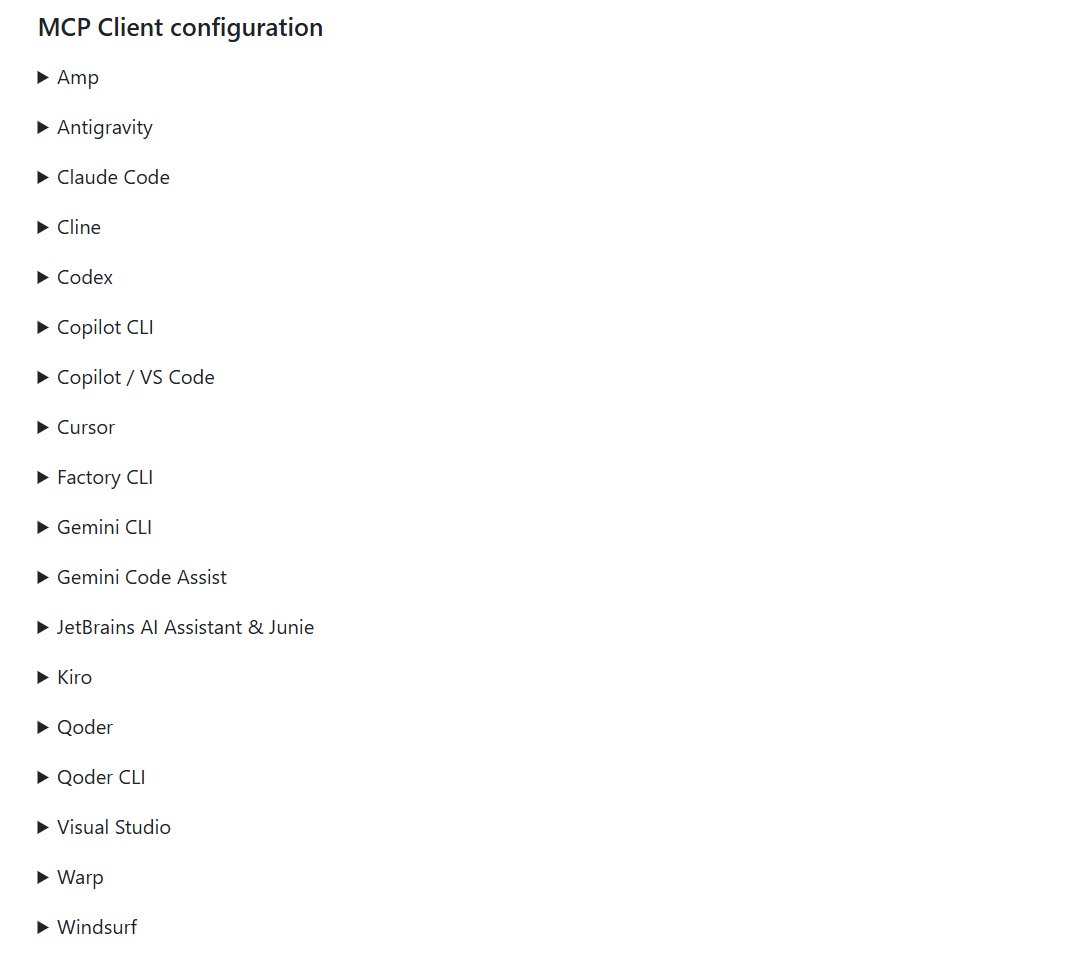
As an MCP, the Chrome Dev Tool is very convenient to use; it only takes two steps in three minutes. The first step is to install the MCP, and the second step is to inform the AI to use this MCP during the conversation.
The Chrome Dev Tool basically covers all the tools used for vibe coding.
I have used it separately on Antigravity and Claude Code. Unfortunately, Antigravity switched to a different model and did not function properly. It would run for a while, and the agent would start installing other traditional scraping libraries. However, Claude Code worked very conveniently and successfully.
The Chrome Dev Tools will automatically open the Chrome browser to work. One of its biggest advantages is that users can open the browser in advance and log into their accounts. This way, the AI can operate on websites that are already logged in.
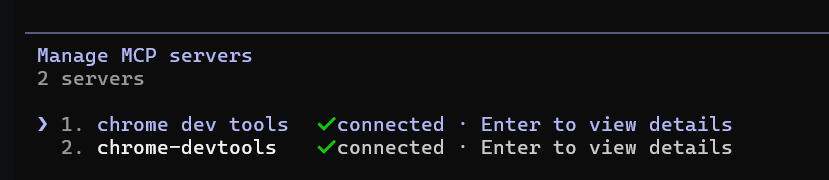
Before letting Claude Code do the work, it is recommended to check if the MCP is installed correctly by using /mcp. My first two attempts did not work; I thought it was because Claude Code was not functioning, but I found out that the MCP was not configured successfully.
My task this time is to organize the KOL list from the Yapper leaderboard on Kaito and further track their tweets. I first logged into Kaito on Chrome and then let Claude Code do the work.
Claude Code is very smart; it only needs clear instructions in simple language, making it very easy without any complex prompt engineering.
It gave me the results in about five minutes.
One more thing to note is that if you need to use the browser while Claude Code is working, it is recommended to configure a new Chrome and place it in a virtual desktop.

免责声明:本文章仅代表作者个人观点,不代表本平台的立场和观点。本文章仅供信息分享,不构成对任何人的任何投资建议。用户与作者之间的任何争议,与本平台无关。如网页中刊载的文章或图片涉及侵权,请提供相关的权利证明和身份证明发送邮件到support@aicoin.com,本平台相关工作人员将会进行核查。


